TikTok Pixel and Events: What Actually Works
TikTok's website pixel and Events API, used to measure actions from TikTok ads and to optimize campaigns toward purchases or leads.
 Samir Haddad

At a glance
- TikTok Pixel browser code that records website events
- Events API sends events from the server
- Deduplication event IDs prevent double counting when both are used
- Events Manager shows event activity and diagnostics
Why it matters
Why it matters: TikTok campaigns optimize toward the events they receive, so missing or duplicated events lead to poor delivery and misleading results.
Best practice
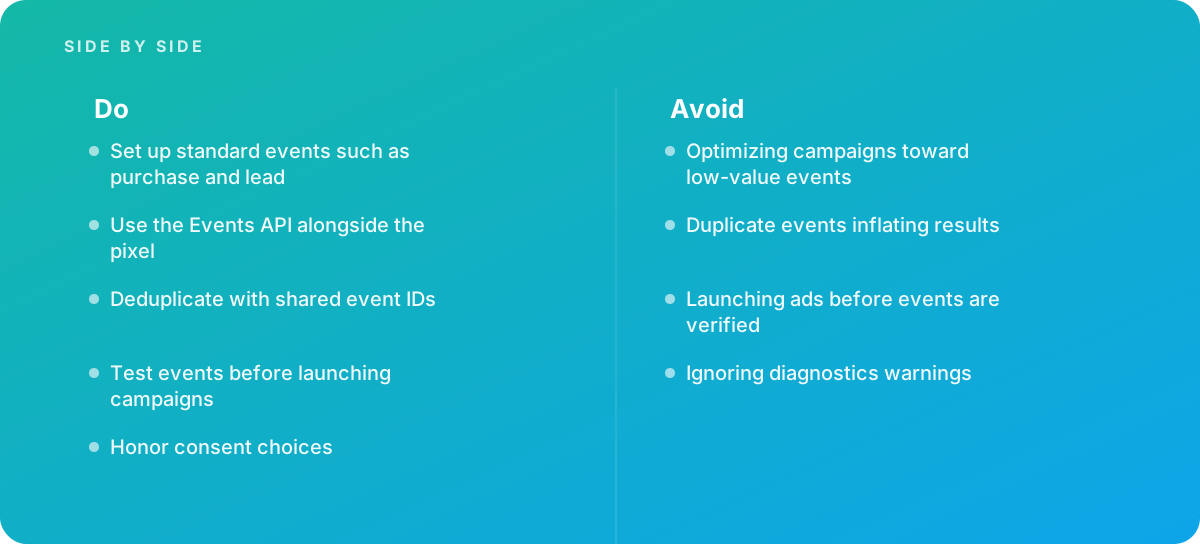
- Set up standard events such as purchase and lead
- Use the Events API alongside the pixel
- Deduplicate with shared event IDs
- Test events before launching campaigns
- Honor consent choices
Common pitfalls
Watch out for:
- Optimizing campaigns toward low-value events
- Duplicate events inflating results
- Launching ads before events are verified
- Ignoring diagnostics warnings
When to call in a specialist
Bottom line Bring in help when TikTok campaigns do not optimize, or when event data looks inconsistent.
Where this comes from
- TikTok for Business — TikTok Pixel
- TikTok for Business — Events API
The figures and practices above come from the sources listed.
Working on something like this?
We take on Digital Marketing & CRO work for teams who want it done once, properly. Tell us what you are building and we will tell you honestly whether we are the right studio for it. Start a project.
Where to go next
Spotted something wrong? Report an error on this page. We correct on the page and say what changed.