Headshot Photography: The Decisions That Matter
Portraits of individuals for websites, profiles and publicity, often shot for whole teams with a consistent style.
 MediaScaleUp Editorial Team
Where most projects go wrong
The usual mistakes:
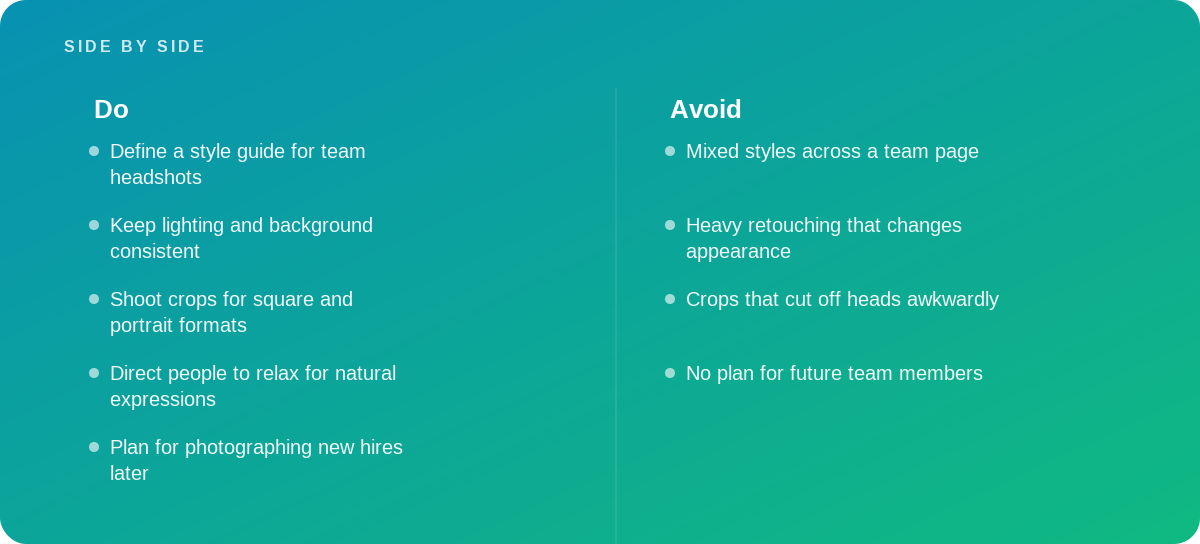
- Mixed styles across a team page
- Heavy retouching that changes appearance
- Crops that cut off heads awkwardly
- No plan for future team members
What good looks like instead
- Define a style guide for team headshots
- Keep lighting and background consistent
- Shoot crops for square and portrait formats
- Direct people to relax for natural expressions
- Plan for photographing new hires later
Why it matters
Consistent, natural headshots make teams look professional and trustworthy, and inconsistent ones make organizations look disorganized.
The specs that matter
| Measure | Figure |
|---|---|
| Consistency | matching background, lighting and framing across a team |
| Lighting | soft light flatters faces |
| Crops | several crops cover different platforms |
| Retouching | should stay natural |
Knowing when to hand it over
Tip: Bring in help when photographing large teams or several offices.
Where this comes from
- Capture One — Learning resources for portrait photography
- Adobe Help Center — Photography basics
The figures and practices above come from the sources listed.
Working on something like this?
We take on Photography & Product Visuals work for teams who want it done once, properly. Tell us what you are building and we will tell you honestly whether we are the right studio for it. Start a project.
Where to go next
Spotted something wrong? Report an error on this page. We correct on the page and say what changed.