Time-Lapse Photography: The Decisions That Matter
Shooting a sequence of still images over time and playing them back as video to compress hours into seconds.
 MediaScaleUp Editorial Team
At a glance
- Interval the gap between frames sets the speed of the result
- Frame counts video needs many frames per second of playback
- Power long sequences need external power
- Exposure changes shifting light causes flicker
Why it matters
Why it matters: Time-lapse shows construction, events and processes compellingly, but it requires planning and long unattended shoots.
Best practice
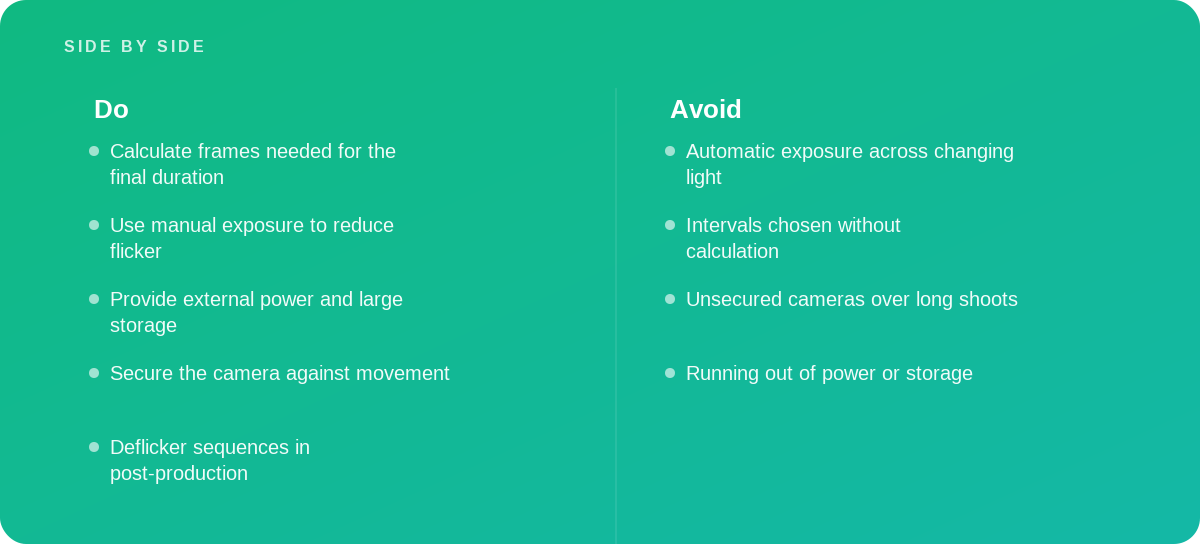
- Calculate frames needed for the final duration
- Use manual exposure to reduce flicker
- Provide external power and large storage
- Secure the camera against movement
- Deflicker sequences in post-production
Common pitfalls
Watch out for:
- Automatic exposure across changing light
- Intervals chosen without calculation
- Unsecured cameras over long shoots
- Running out of power or storage
When to call in a specialist
Bottom line Bring in help when documenting builds or installations.
Where this comes from
- Adobe Help Center — Photography basics
- Adobe Help Center — Premiere Pro User Guide
The figures and practices above come from the sources listed.
Working on something like this?
We take on Photography & Product Visuals work for teams who want it done once, properly. Tell us what you are building and we will tell you honestly whether we are the right studio for it. Start a project.
Where to go next
Spotted something wrong? Report an error on this page. We correct on the page and say what changed.