Dragging Movements, Done Properly
Offering a way to complete drag-and-drop actions, such as reordering lists, moving sliders or dragging files, with simple clicks or taps instead.
 MediaScaleUp Editorial Team

At a glance
- WCAG 2.5.7 Dragging Movements, AA functions that use dragging can be achieved with a single pointer without dragging
- Examples of alternatives move up and down buttons, click to pick up and click to drop
- Keyboard access covered separately by 2.1.1 but does not satisfy this criterion alone
- Exceptions dragging that is essential
Why it matters
Why it matters: Dragging requires holding a pointer down while moving precisely, which many people cannot do, and WCAG 2.2 added a level AA requirement for alternatives.
Best practice
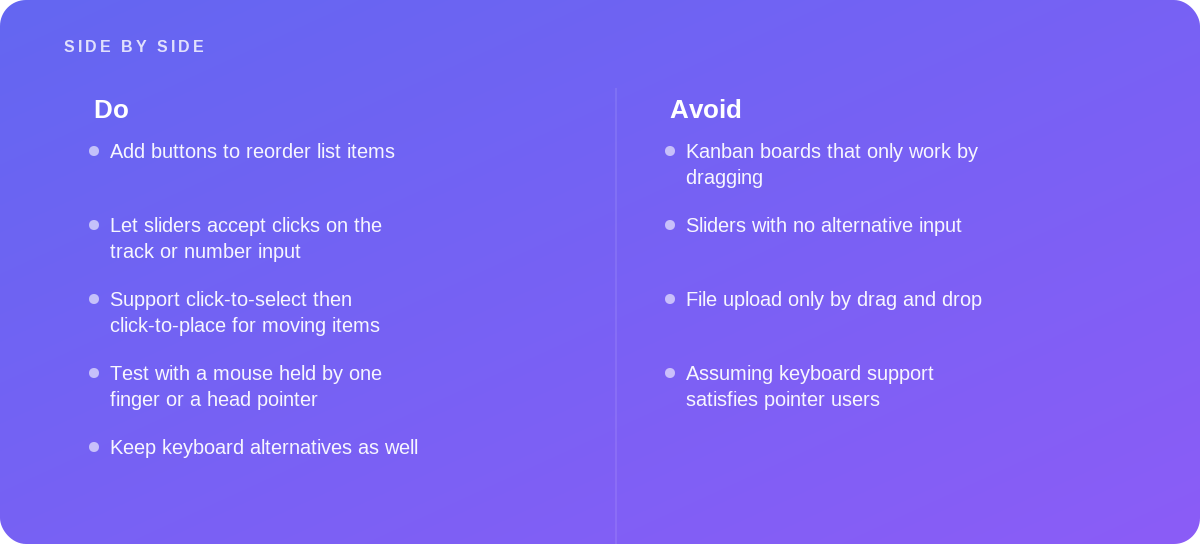
- Add buttons to reorder list items
- Let sliders accept clicks on the track or number input
- Support click-to-select then click-to-place for moving items
- Test with a mouse held by one finger or a head pointer
- Keep keyboard alternatives as well
Common pitfalls
Watch out for:
- Kanban boards that only work by dragging
- Sliders with no alternative input
- File upload only by drag and drop
- Assuming keyboard support satisfies pointer users
When to call in a specialist
Bottom line Bring in help when building boards, editors or builders that rely on drag and drop.
Where this comes from
- W3C Web Accessibility Initiative — Understanding SC 2.5.7 Dragging Movements
- W3C ARIA Authoring Practices Guide — Slider pattern
The figures and practices above come from the sources listed.
Working on something like this?
We take on Performance & Accessibility work for teams who want it done once, properly. Tell us what you are building and we will tell you honestly whether we are the right studio for it. Start a project.
Where to go next
Spotted something wrong? Report an error on this page. We correct on the page and say what changed.










