Page Language and Language of Parts, Done Properly
Declaring the main language of a page with the lang attribute, and marking passages in other languages, so screen readers pronounce text correctly.
 MediaScaleUp Editorial Team

What is at stake
A screen reader reading French text with English pronunciation rules is hard to understand, and WCAG requires page language at level A and language of parts at level AA.
The playbook
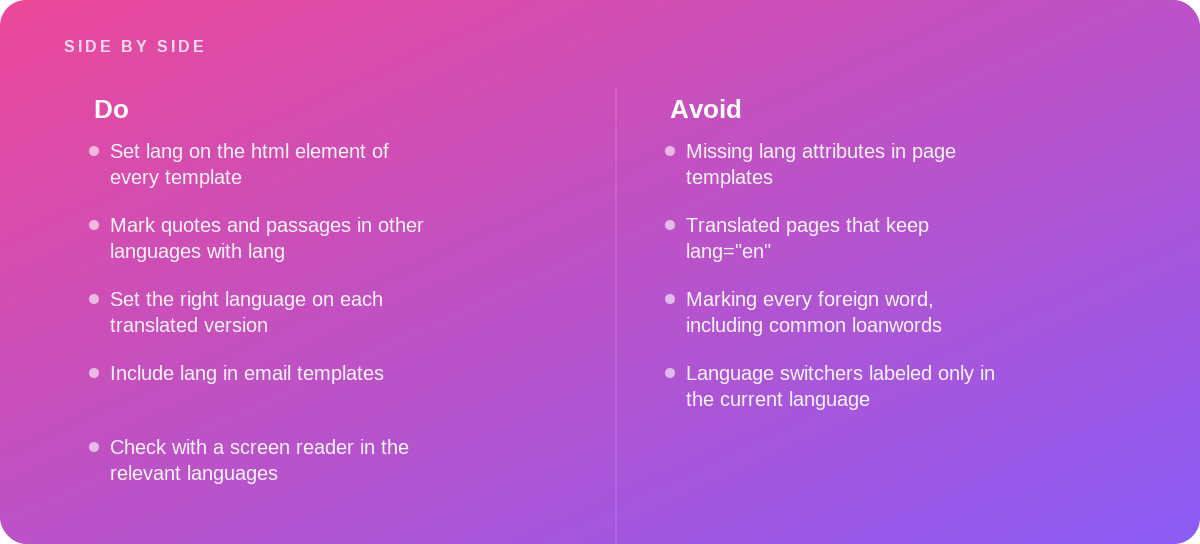
- Set lang on the html element of every template
- Mark quotes and passages in other languages with lang
- Set the right language on each translated version
- Include lang in email templates
- Check with a screen reader in the relevant languages
Where it goes wrong
Avoid:
- Missing lang attributes in page templates
- Translated pages that keep lang="en"
- Marking every foreign word, including common loanwords
- Language switchers labeled only in the current language
The numbers behind it
| Measure | Figure |
|---|---|
| WCAG 3.1.1 Language of Page, A | the default human language of each page can be programmatically determined |
| WCAG 3.1.2 Language of Parts, AA | the language of passages in another language can be determined |
| HTML technique | the lang attribute, such as lang="en" on the html element |
| Exceptions for parts | proper names, technical terms and words that have become part of the surrounding language |
Getting outside help
When to hand it over: Bring in help when running multilingual sites, or when templates are generated by a CMS that omits language attributes.
Where this comes from
- W3C Web Accessibility Initiative — Understanding SC 3.1.1 Language of Page
- W3C Web Accessibility Initiative — Understanding SC 3.1.2 Language of Parts
- MDN Web Docs — lang global attribute
The figures and practices above come from the sources listed.
Working on something like this?
We take on Performance & Accessibility work for teams who want it done once, properly. Tell us what you are building and we will tell you honestly whether we are the right studio for it. Start a project.
Where to go next
Spotted something wrong? Report an error on this page. We correct on the page and say what changed.











