Dark Mode Implementation: What Actually Works
Supporting a second color scheme that respects the reader's system preference and, where offered, their explicit choice on the site.
 MediaScaleUp Editorial Team

Where most projects go wrong
The usual mistakes:
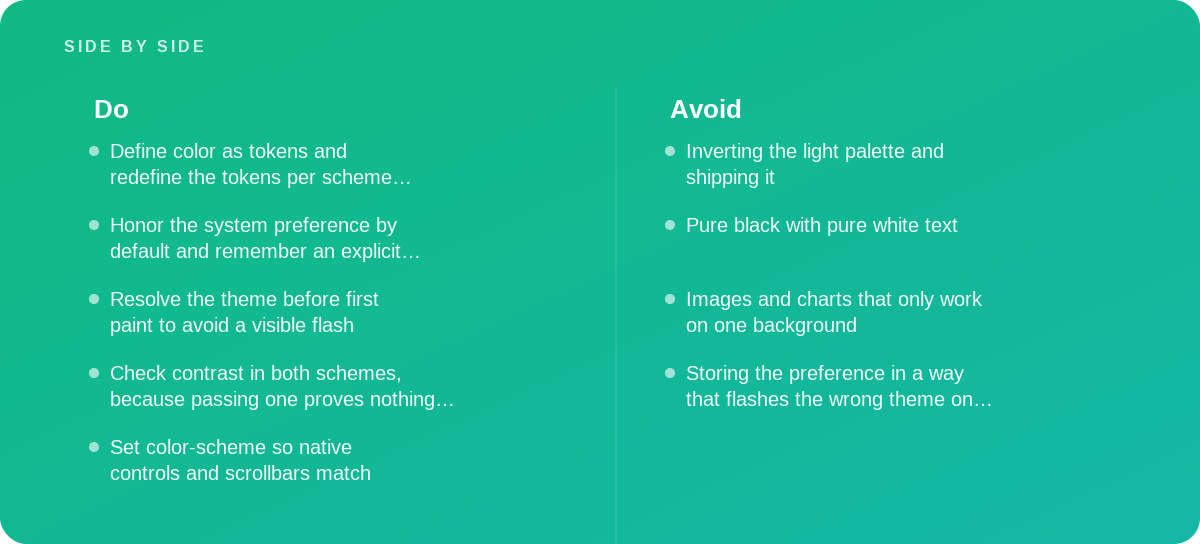
- Inverting the light palette and shipping it
- Pure black with pure white text
- Images and charts that only work on one background
- Storing the preference in a way that flashes the wrong theme on every load
What good looks like instead
- Define color as tokens and redefine the tokens per scheme rather than overriding components
- Honor the system preference by default and remember an explicit override
- Resolve the theme before first paint to avoid a visible flash
- Check contrast in both schemes, because passing one proves nothing about the other
- Set color-scheme so native controls and scrollbars match
Why it matters
It is a genuine accessibility and comfort feature for a lot of readers, and it is one of the easiest things to implement badly in a way that fails contrast requirements.
The specs that matter
| Measure | Figure |
|---|---|
| System preference | the prefers-color-scheme media query |
| Contrast requirement | both schemes must meet WCAG contrast ratios independently |
| Common mistake | pure black backgrounds with pure white text, which many readers find harsh |
| Flash of wrong theme | caused by resolving the theme after first paint |
| Form controls | the color-scheme property tells the browser which native styling to use |
Knowing when to hand it over
Tip: Bring in help when a dark scheme has to be retrofitted onto a codebase with hard-coded colors, when contrast fails in one scheme only, or when brand colors do not survive the switch.
Where this comes from
- MDN Web Docs — prefers-color-scheme
- web.dev — Building a color scheme
- W3C Web Accessibility Initiative — Contrast requirements
The figures and practices above come from the sources listed.
Working on something like this?
We take on Web Design & Development work for teams who want it done once, properly. Tell us what you are building and we will tell you honestly whether we are the right studio for it. Start a project.
Where to go next
Spotted something wrong? Report an error on this page. We correct on the page and say what changed.







