A Practical Guide to Third-Party Script Management
Controlling what analytics, tag managers, chat widgets, advertising and embeds are allowed to load, when, and with what privileges.
 MediaScaleUp Editorial Team

What is at stake
Third-party scripts are the commonest cause of a fast site becoming slow, and they are the part of the page a team usually has least visibility over because marketing adds them through a tag manager.
The playbook
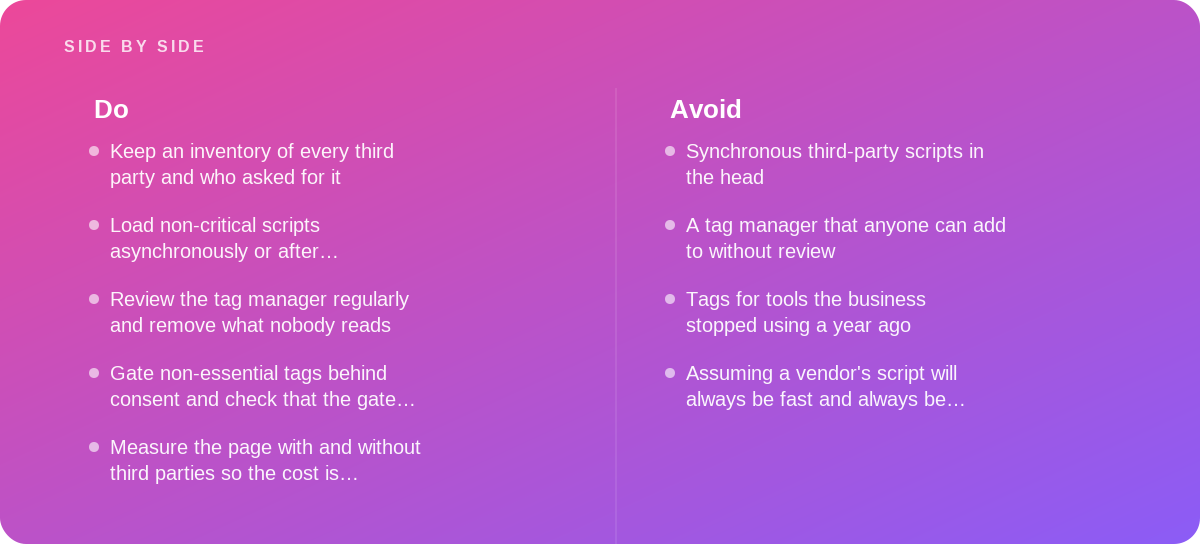
- Keep an inventory of every third party and who asked for it
- Load non-critical scripts asynchronously or after interaction
- Review the tag manager regularly and remove what nobody reads
- Gate non-essential tags behind consent and check that the gate works
- Measure the page with and without third parties so the cost is visible
Where it goes wrong
Avoid:
- Synchronous third-party scripts in the head
- A tag manager that anyone can add to without review
- Tags for tools the business stopped using a year ago
- Assuming a vendor's script will always be fast and always be available
The numbers behind it
| Measure | Figure |
|---|---|
| Typical share of page weight | often a large proportion on commercial sites |
| Main risks | performance, privacy, security and availability |
| Blast radius | a synchronous third-party script can block the whole page |
| Consent requirement | non-essential tracking needs consent under UK and EU rules |
| Defense | Content Security Policy and subresource integrity where applicable |
Getting outside help
When to hand it over: Bring in help when performance regressions keep appearing without code changes, when nobody can say what is in the tag manager, or when a consent audit is due.
Where this comes from
- web.dev — Third-party JavaScript
- Information Commissioner's Office — Cookies and similar technologies
- HTTP Archive Web Almanac — Third parties
The figures and practices above come from the sources listed.
Working on something like this?
We take on Web Design & Development work for teams who want it done once, properly. Tell us what you are building and we will tell you honestly whether we are the right studio for it. Start a project.
Where to go next
Spotted something wrong? Report an error on this page. We correct on the page and say what changed.








