BIM Data for Visualization, Done Properly
Using building information models from architectural software as the basis for visualization.
 Imogen Clarke

Why does it matter?
BIM models carry accurate geometry and data, but they are heavy and organized for construction rather than rendering.
What are the numbers?
- Data-rich BIM objects carry information beyond geometry
- Detail construction detail is often unnecessary for images
- Interchange formats such as IFC move data between applications
- Updates models change throughout a project
What should I do?
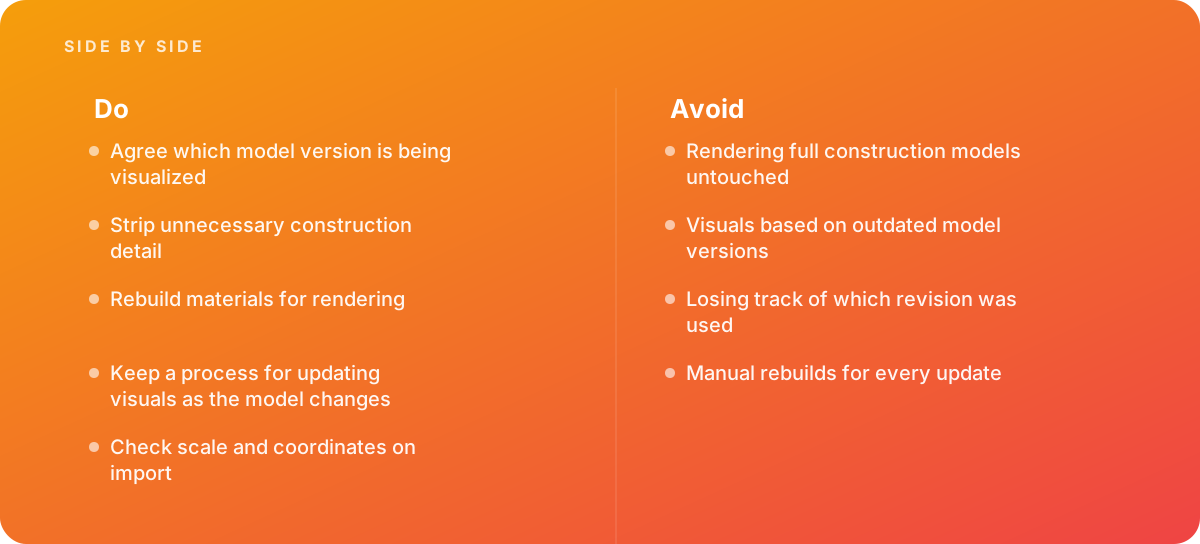
- Agree which model version is being visualized
- Strip unnecessary construction detail
- Rebuild materials for rendering
- Keep a process for updating visuals as the model changes
- Check scale and coordinates on import
What should I avoid?
Avoid:
- Rendering full construction models untouched
- Visuals based on outdated model versions
- Losing track of which revision was used
- Manual rebuilds for every update
When should I get help?
Short answer Bring in help when architectural projects need ongoing visuals.
Where this comes from
- Autodesk — BIM
- Unreal Engine Documentation — Datasmith
The figures and practices above come from the sources listed.
Working on something like this?
We take on 3D Design & Development work for teams who want it done once, properly. Tell us what you are building and we will tell you honestly whether we are the right studio for it. Start a project.
Where to go next
Spotted something wrong? Report an error on this page. We correct on the page and say what changed.