ADR and Dialogue Replacement: The Decisions That Matter
Automated dialogue replacement, re-recording lines in a studio to replace or fix location dialogue that is noisy, wrong or unusable.
 MediaScaleUp Editorial Team
The key figures
- Process
- actors re-record lines while watching the picture
- Matching
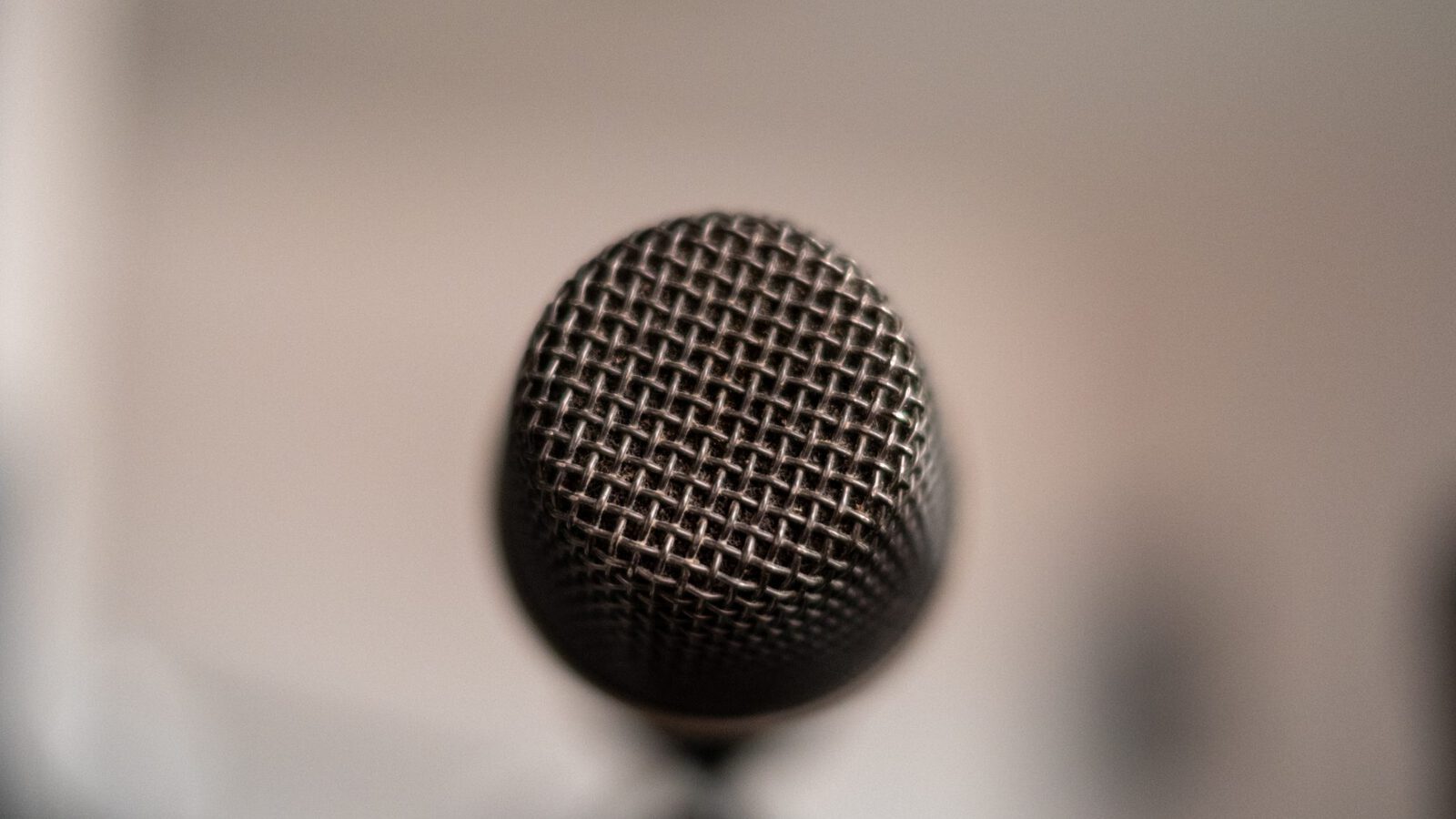
- microphone, perspective and room tone should match production sound
- Cue sheets
- list lines with timecodes for each session
- Alternatives
- dialogue repair tools may save some lines without ADR
Why this is worth getting right
ADR saves scenes with unusable sound, but it must match performance, timing and room character to sound convincing.
Do this, not that
Do
- Try dialogue repair before booking ADR
- Prepare cue sheets with timecodes
- Record with microphones similar to production
- Match performance energy to the scene
- Add room tone and reverb to blend lines
Don’t
- ADR that sounds studio-dry against location audio
- Mismatched lip sync
- Replacing more lines than necessary
- Recording without the picture
When to bring in help
Our advice Bring in help when location dialogue is unusable, or when planning post-production for a film or commercial.
Where this comes from
- Avid — Pro Tools dialogue editing guides
- Netflix Partner Help Center — Audio delivery specifications
The figures and practices above come from the sources listed.
Working on something like this?
We take on Audio Editing & Production work for teams who want it done once, properly. Tell us what you are building and we will tell you honestly whether we are the right studio for it. Start a project.
Where to go next
Spotted something wrong? Report an error on this page. We correct on the page and say what changed.