A Practical Guide to Multi-Step Forms
Breaking long forms, such as applications, quotes and onboarding, into a sequence of shorter steps with a clear progression.
 MediaScaleUp Editorial Team

What is at stake
Splitting a long form reduces overwhelm and errors, but only when steps are logical and users can see where they are and go back.
The playbook
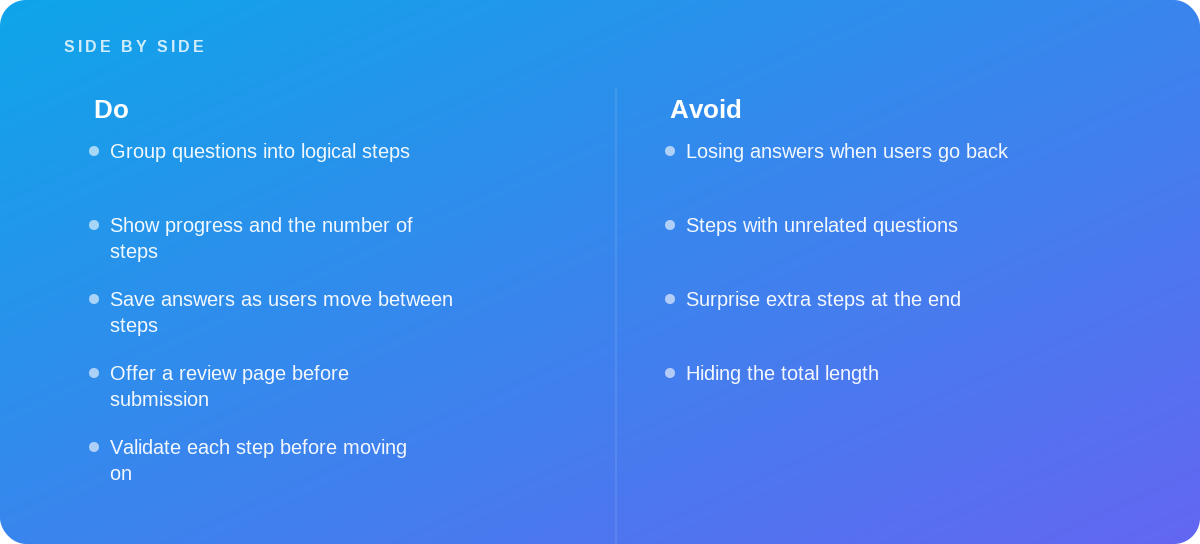
- Group questions into logical steps
- Show progress and the number of steps
- Save answers as users move between steps
- Offer a review page before submission
- Validate each step before moving on
Where it goes wrong
Avoid:
- Losing answers when users go back
- Steps with unrelated questions
- Surprise extra steps at the end
- Hiding the total length
The numbers behind it
| Measure | Figure |
|---|---|
| One thing per page | GOV.UK recommends asking one question per page for complex services |
| Progress | a step indicator shows how much remains |
| Back navigation | users must be able to return without losing answers |
| Check answers | a summary before submission lets users review |
Getting outside help
When to hand it over: Bring in help when long forms have high abandonment, or when redesigning applications and quotes.
Where this comes from
- GOV.UK Service Manual — Structuring forms
- GOV.UK Design System — Question pages
The figures and practices above come from the sources listed.
Working on something like this?
We take on UI & UX Design work for teams who want it done once, properly. Tell us what you are building and we will tell you honestly whether we are the right studio for it. Start a project.
Where to go next
Spotted something wrong? Report an error on this page. We correct on the page and say what changed.