A Practical Guide to Manual Accessibility Test Scripts
Written step-by-step checks that testers follow to verify accessibility beyond automated tools.
 Marcus Adeyemi

Where most projects go wrong
The usual mistakes:
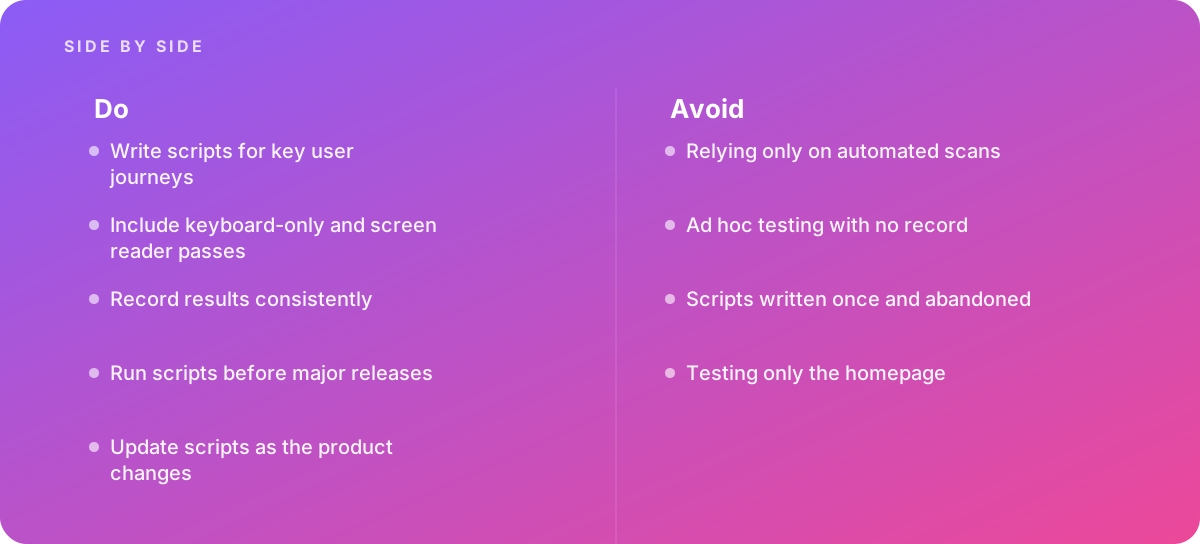
- Relying only on automated scans
- Ad hoc testing with no record
- Scripts written once and abandoned
- Testing only the homepage
What good looks like instead
- Write scripts for key user journeys
- Include keyboard-only and screen reader passes
- Record results consistently
- Run scripts before major releases
- Update scripts as the product changes
Why it matters
Automated tools catch only part of the issues, and scripted manual checks make the rest repeatable.
The specs that matter
| Measure | Figure |
|---|---|
| Coverage | automated tools detect a limited share of accessibility issues |
| Keyboard checks | are the fastest high-value manual test |
| Scripts | make results comparable between testers |
| Assistive technology | screen reader checks need defined steps |
Knowing when to hand it over
Tip: Bring in help when building an accessibility testing process.
Where this comes from
- W3C Web Accessibility Initiative — Easy Checks
- Deque University — Accessibility testing
The figures and practices above come from the sources listed.
Working on something like this?
We take on Performance & Accessibility work for teams who want it done once, properly. Tell us what you are building and we will tell you honestly whether we are the right studio for it. Start a project.
Where to go next
Spotted something wrong? Report an error on this page. We correct on the page and say what changed.