A Practical Guide to Apple Mail Privacy Protection
An Apple Mail feature that preloads email content, including tracking pixels, so opens are recorded whether or not the person actually read the message.
 Samir Haddad

Where most projects go wrong
The usual mistakes:
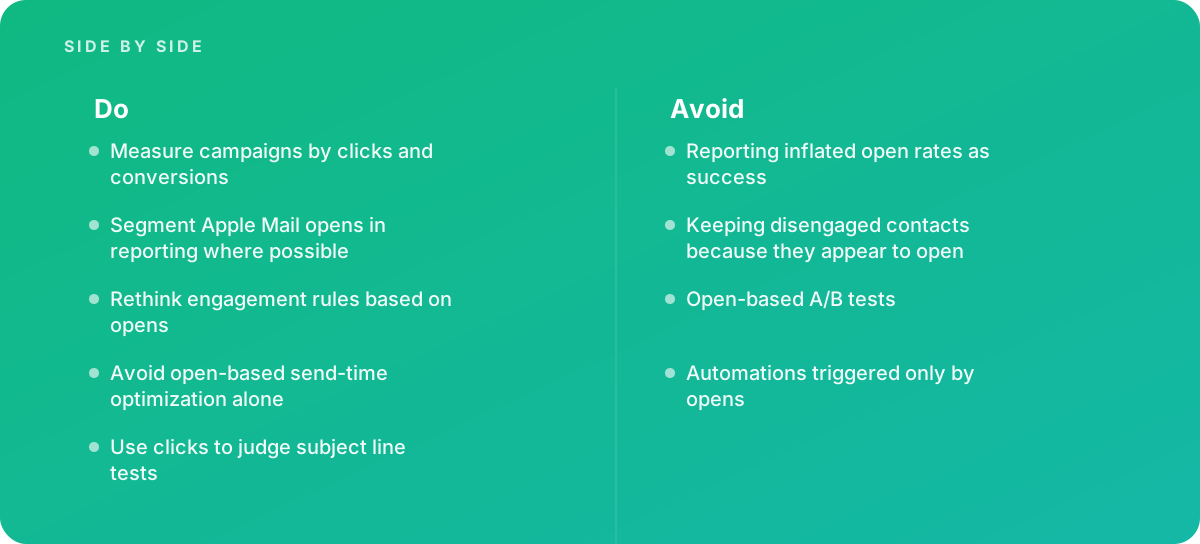
- Reporting inflated open rates as success
- Keeping disengaged contacts because they appear to open
- Open-based A/B tests
- Automations triggered only by opens
What good looks like instead
- Measure campaigns by clicks and conversions
- Segment Apple Mail opens in reporting where possible
- Rethink engagement rules based on opens
- Avoid open-based send-time optimization alone
- Use clicks to judge subject line tests
Why it matters
It made email open rates unreliable for a large share of recipients, so campaigns judged on opens can be misleading.
The specs that matter
| Measure | Figure |
|---|---|
| Introduced | iOS 15 and macOS Monterey in 2021 |
| Effect | opens can be recorded without the user reading the email |
| IP address | hides the recipient's IP address from senders |
| Recommended measures | clicks, conversions and replies instead of opens |
Knowing when to hand it over
Tip: Bring in help when email reporting relies on opens, or when list hygiene rules need updating.
Where this comes from
- Apple Developer — Mail Privacy Protection
- Mailchimp — About Apple Mail Privacy Protection
The figures and practices above come from the sources listed.
Working on something like this?
We take on Digital Marketing & CRO work for teams who want it done once, properly. Tell us what you are building and we will tell you honestly whether we are the right studio for it. Start a project.
Where to go next
Spotted something wrong? Report an error on this page. We correct on the page and say what changed.