Status Messages and Live Regions: What Actually Works
Announcing updates that appear without moving focus, such as "Item added to cart", "3 results found" or "Saving…", so screen reader users know they happened.
 MediaScaleUp Editorial Team

Why does it matter?
Sighted users see these changes instantly, but screen reader users miss them unless they are announced, and WCAG requires this at level AA.
What are the numbers?
- WCAG 4.1.3 Status Messages, AA status messages can be announced by assistive technology without receiving focus
- ARIA live regions role="status", role="alert" and aria-live mark content to be announced
- Politeness status waits for a pause; alert interrupts immediately
- Setup the live region usually needs to exist before its content changes
What should I do?
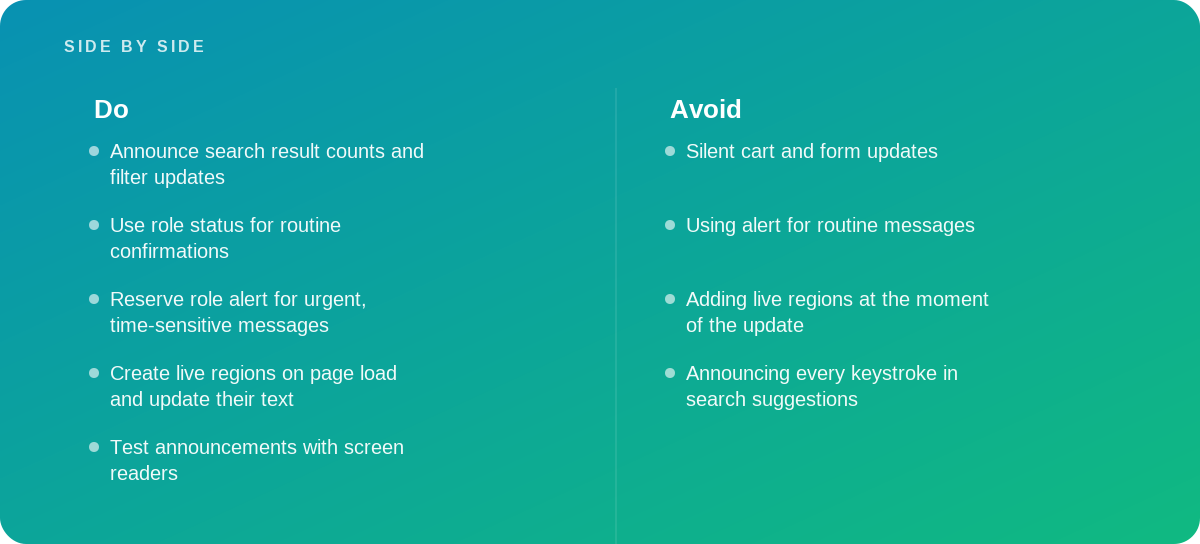
- Announce search result counts and filter updates
- Use role status for routine confirmations
- Reserve role alert for urgent, time-sensitive messages
- Create live regions on page load and update their text
- Test announcements with screen readers
What should I avoid?
Avoid:
- Silent cart and form updates
- Using alert for routine messages
- Adding live regions at the moment of the update
- Announcing every keystroke in search suggestions
When should I get help?
Short answer Bring in help when single-page apps update content dynamically, or when screen reader users miss confirmations.
Where this comes from
- W3C Web Accessibility Initiative — Understanding SC 4.1.3 Status Messages
- MDN Web Docs — ARIA live regions
The figures and practices above come from the sources listed.
Working on something like this?
We take on Performance & Accessibility work for teams who want it done once, properly. Tell us what you are building and we will tell you honestly whether we are the right studio for it. Start a project.
Where to go next
Spotted something wrong? Report an error on this page. We correct on the page and say what changed.











