Shipment Tracking Portals, Done Properly
Customer-facing tracking pages that show where an order or shipment is.
 MediaScaleUp Editorial Team

Why does it matter?
Tracking pages are among the most visited pages after purchase, and they reduce support contacts when they work well.
What are the numbers?
- Carrier data tracking events come from carrier systems with varying detail
- Update frequency carrier updates can lag physical movement
- Branding branded tracking pages keep customers on your site
- Notifications proactive updates reduce inquiries
What should I do?
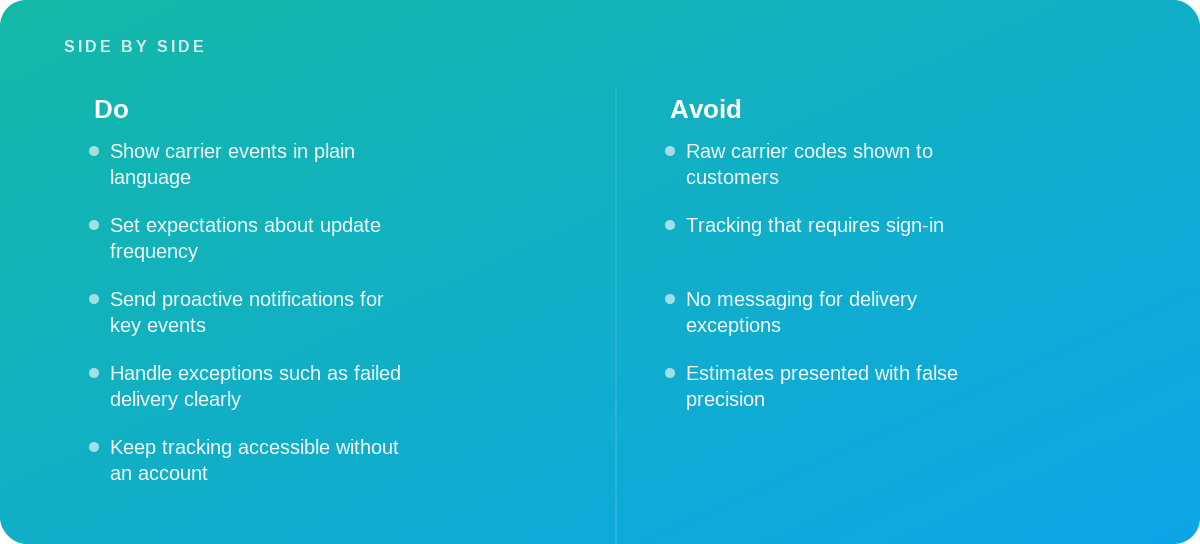
- Show carrier events in plain language
- Set expectations about update frequency
- Send proactive notifications for key events
- Handle exceptions such as failed delivery clearly
- Keep tracking accessible without an account
What should I avoid?
Avoid:
- Raw carrier codes shown to customers
- Tracking that requires sign-in
- No messaging for delivery exceptions
- Estimates presented with false precision
When should I get help?
Short answer Bring in help when delivery inquiries dominate support.
Where this comes from
- USPS Postal Explorer — Domestic Mail Manual
- Shopify Help Center — Order fulfillment
The figures and practices above come from the sources listed.
Working on something like this?
We take on Web Design & Development work for teams who want it done once, properly. Tell us what you are building and we will tell you honestly whether we are the right studio for it. Start a project.
Where to go next
Spotted something wrong? Report an error on this page. We correct on the page and say what changed.







