Retouching Glass and Transparent Products: What Actually Works
Cleaning up images of bottles, glassware and clear packaging so edges, liquids and labels read clearly.
 MediaScaleUp Editorial Team
What is at stake
Transparent products show everything behind and around them, so retouching decides whether they look clean or confusing.
The playbook
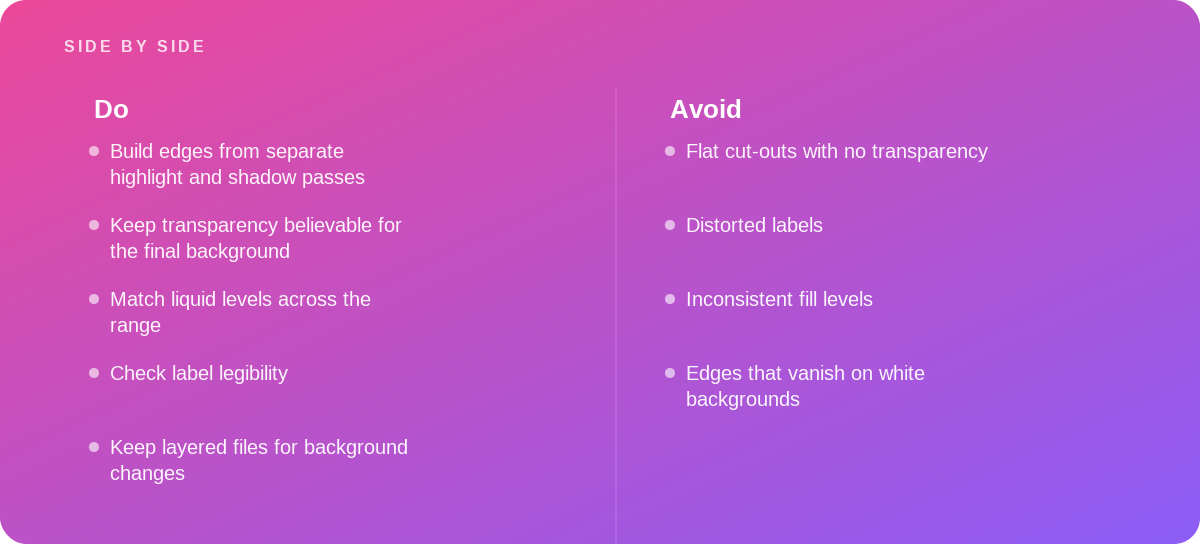
- Build edges from separate highlight and shadow passes
- Keep transparency believable for the final background
- Match liquid levels across the range
- Check label legibility
- Keep layered files for background changes
Where it goes wrong
Avoid:
- Flat cut-outs with no transparency
- Distorted labels
- Inconsistent fill levels
- Edges that vanish on white backgrounds
The numbers behind it
| Measure | Figure |
|---|---|
| Edges | glass edges rely on highlights and shadows to read |
| Backgrounds | what shows through must suit the final placement |
| Liquid levels | should be consistent across a range |
| Labels | must stay legible and undistorted |
Getting outside help
When to hand it over: Bring in help when drinks or glass products need catalog images.
Where this comes from
- Adobe Help Center — Photoshop User Guide
- Capture One — Learning resources for product photography
The figures and practices above come from the sources listed.
Working on something like this?
We take on Image Editing & Retouching work for teams who want it done once, properly. Tell us what you are building and we will tell you honestly whether we are the right studio for it. Start a project.
Where to go next
Spotted something wrong? Report an error on this page. We correct on the page and say what changed.