Planned Maintenance and 503 Status: What Actually Works
How to take a site offline temporarily for maintenance without harming search visibility, using a 503 Service Unavailable status and a clear message for visitors.
 MediaScaleUp Editorial Team

At a glance
- Status code 503 Service Unavailable
- Retry-After header suggests when crawlers should try again
- Google guidance a 503 is appropriate for short downtime
- Extended outages prolonged 503s can eventually lead to pages being dropped
Why it matters
Why it matters: Returning a normal page or a 404 during maintenance can get pages dropped from search, while a 503 tells crawlers to come back later.
Best practice
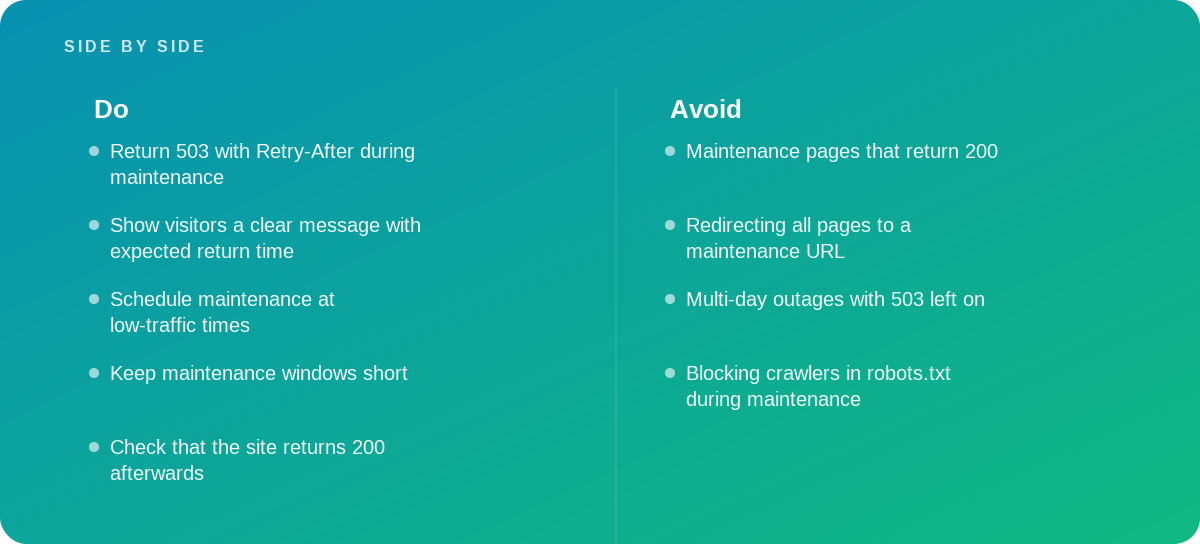
- Return 503 with Retry-After during maintenance
- Show visitors a clear message with expected return time
- Schedule maintenance at low-traffic times
- Keep maintenance windows short
- Check that the site returns 200 afterward
Common pitfalls
Watch out for:
- Maintenance pages that return 200
- Redirecting all pages to a maintenance URL
- Multi-day outages with 503 left on
- Blocking crawlers in robots.txt during maintenance
When to call in a specialist
Bottom line Bring in help when planning migrations with downtime, or when search traffic fell after an outage.
Where this comes from
- Google Search Central — How HTTP status codes affect Google Search
- MDN Web Docs — 503 Service Unavailable
The figures and practices above come from the sources listed.
Working on something like this?
We take on Web Design & Development work for teams who want it done once, properly. Tell us what you are building and we will tell you honestly whether we are the right studio for it. Start a project.
Where to go next
Spotted something wrong? Report an error on this page. We correct on the page and say what changed.







