OpenEXR and Render Passes: What Actually Works
OpenEXR is the open high dynamic range image format used in film and visual effects, and render passes are the separate layers of a render, such as lighting, reflections and depth, stored so they can be adjusted in compositing.
 MediaScaleUp Editorial Team

At a glance
- Maintained by the Academy Software Foundation
- Bit depths 16-bit half float and 32-bit float per channel
- Multi-channel files many render passes can be stored in one file
- Compression lossless options such as ZIP and PIZ, and lossy DWAA and DWAB
- Deep images store several samples per pixel for depth-accurate compositing
Why it matters
Why it matters: Rendering passes into EXR files lets lighting and color be adjusted after the render, which is far cheaper than rendering again for every change.
Best practice
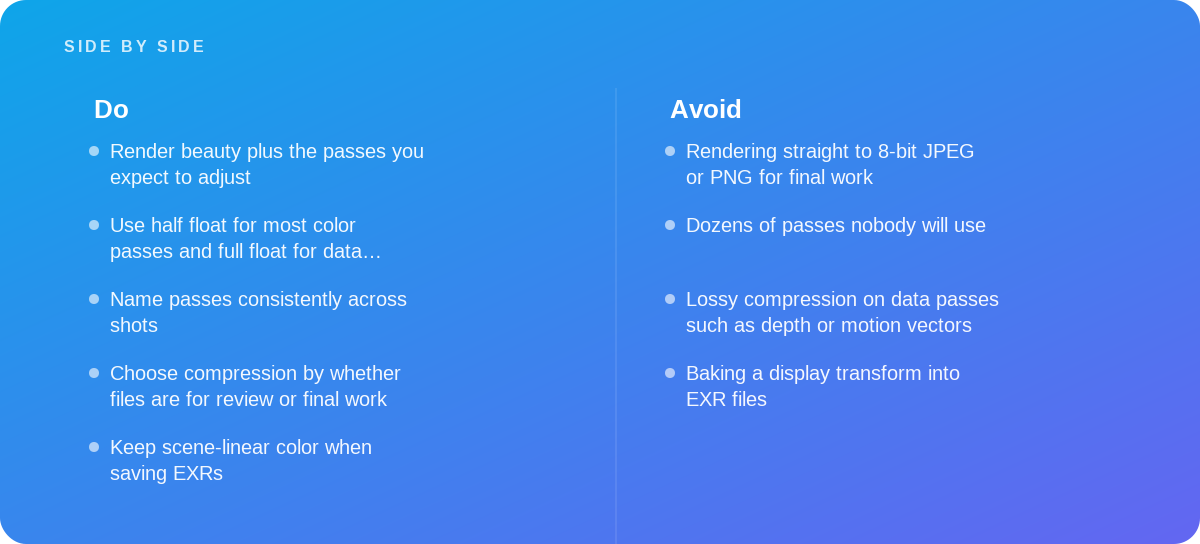
- Render beauty plus the passes you expect to adjust
- Use half float for most color passes and full float for data passes such as depth
- Name passes consistently across shots
- Choose compression by whether files are for review or final work
- Keep scene-linear color when saving EXRs
Common pitfalls
Watch out for:
- Rendering straight to 8-bit JPEG or PNG for final work
- Dozens of passes nobody will use
- Lossy compression on data passes such as depth or motion vectors
- Baking a display transform into EXR files
When to call in a specialist
Bottom line Bring in help when renders need heavy post adjustment, when setting up a compositing pipeline, or when file sizes are out of control.
Where this comes from
- Academy Software Foundation — OpenEXR documentation
- Blender Foundation — Blender manual: Render passes
- Autodesk — Arnold AOVs documentation
The figures and practices above come from the sources listed.
Working on something like this?
We take on 3D Design & Development work for teams who want it done once, properly. Tell us what you are building and we will tell you honestly whether we are the right studio for it. Start a project.
Where to go next
Spotted something wrong? Report an error on this page. We correct on the page and say what changed.