Notification Preferences: The Decisions That Matter
The settings that let people choose which notifications they receive and through which channel.
 MediaScaleUp Editorial Team

At a glance
- Channels email, push, SMS and in-app serve different urgency levels
- Granularity too many toggles are as bad as too few
- Defaults most people never change defaults
- Legal marketing messages have consent requirements
Why it matters
Why it matters: Without controls, products either spam people or hide important messages, and both lose trust.
Best practice
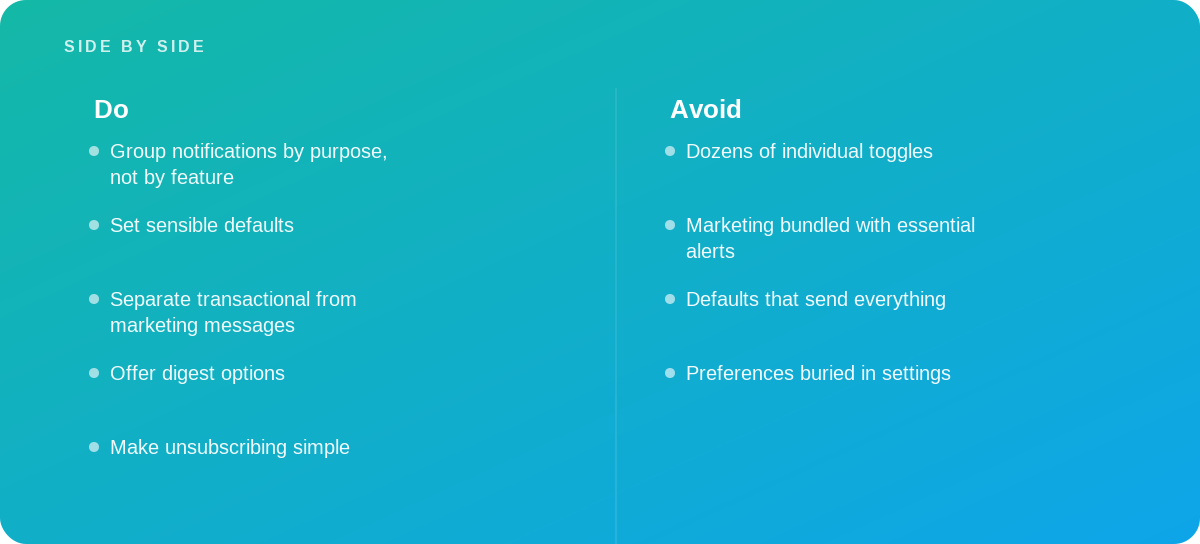
- Group notifications by purpose, not by feature
- Set sensible defaults
- Separate transactional from marketing messages
- Offer digest options
- Make unsubscribing simple
Common pitfalls
Watch out for:
- Dozens of individual toggles
- Marketing bundled with essential alerts
- Defaults that send everything
- Preferences buried in settings
When to call in a specialist
Bottom line Bring in help when notification complaints rise.
Where this comes from
- Federal Trade Commission — CAN-SPAM Act: A Compliance Guide for Business
- Material Design — Components
The figures and practices above come from the sources listed.
Working on something like this?
We take on UI & UX Design work for teams who want it done once, properly. Tell us what you are building and we will tell you honestly whether we are the right studio for it. Start a project.
Where to go next
Spotted something wrong? Report an error on this page. We correct on the page and say what changed.