How to Get Video Stabilization Right
Smoothing shaky footage in post-production by analyzing motion and shifting, rotating or warping each frame.
 MediaScaleUp Editorial Team

At a glance
- Warp Stabilizer available in Premiere Pro and After Effects
- Cropping stabilization crops or scales the image
- Artifacts warping can appear on complex motion
- Resolve DaVinci Resolve includes stabilization tools
Why it matters
Why it matters: Stabilization rescues handheld shots, but it crops the image and can create warping artifacts if pushed too far.
Best practice
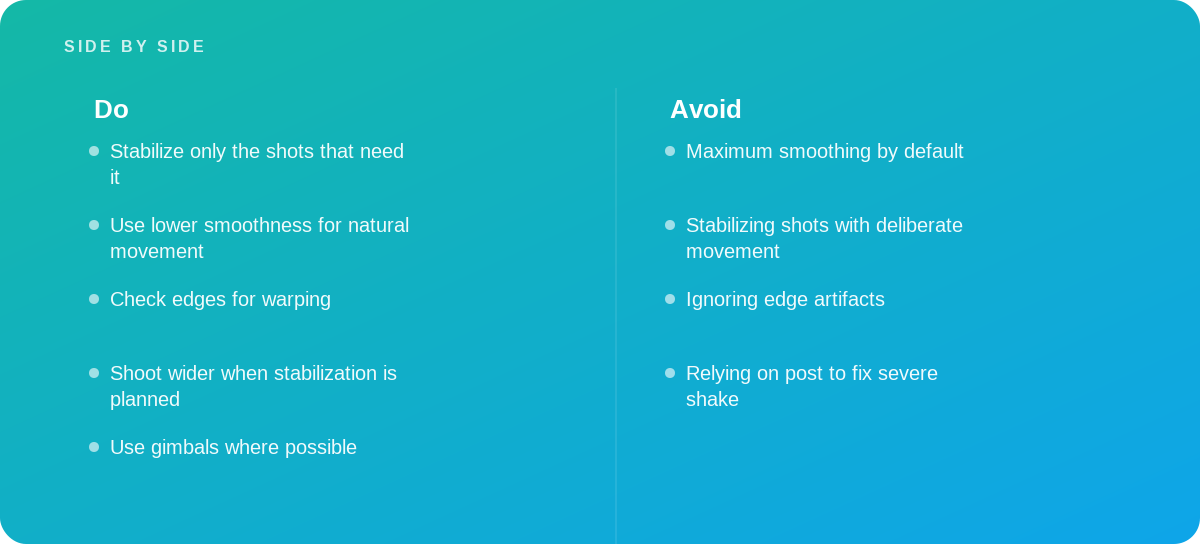
- Stabilize only the shots that need it
- Use lower smoothness for natural movement
- Check edges for warping
- Shoot wider when stabilization is planned
- Use gimbals where possible
Common pitfalls
Watch out for:
- Maximum smoothing by default
- Stabilizing shots with deliberate movement
- Ignoring edge artifacts
- Relying on post to fix severe shake
When to call in a specialist
Bottom line Bring in help when key handheld shots are unusable.
Where this comes from
- Adobe Help Center — Premiere Pro User Guide
- Blackmagic Design — DaVinci Resolve Reference Manual
The figures and practices above come from the sources listed.
Working on something like this?
We take on Video Editing & Production work for teams who want it done once, properly. Tell us what you are building and we will tell you honestly whether we are the right studio for it. Start a project.
Where to go next
Spotted something wrong? Report an error on this page. We correct on the page and say what changed.












