How to Get Sitelinks and the Search Box Right
The extra links Google shows under a result, and the search box feature that was once controlled by markup.
 MediaScaleUp Editorial Team

At a glance
- Automatic Google generates sitelinks from site structure
- No markup control there is no markup to specify sitelinks
- Sitelinks search box Google retired support for the related markup
- Site structure clear navigation and titles help Google choose links
Why it matters
Why it matters: Sitelinks are generated automatically, and the markup that once influenced the search box has been retired.
Best practice
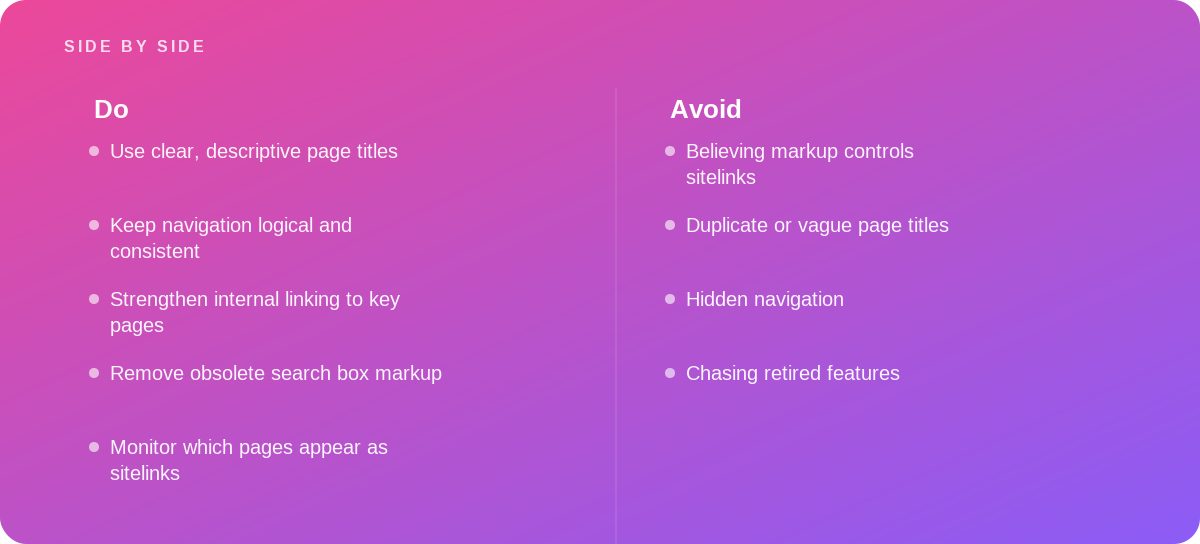
- Use clear, descriptive page titles
- Keep navigation logical and consistent
- Strengthen internal linking to key pages
- Remove obsolete search box markup
- Monitor which pages appear as sitelinks
Common pitfalls
Watch out for:
- Believing markup controls sitelinks
- Duplicate or vague page titles
- Hidden navigation
- Chasing retired features
When to call in a specialist
Bottom line Bring in help when brand results show the wrong pages.
Where this comes from
- Google Search Central — Sitelinks
- Google Search Central — Sitelinks search box
The figures and practices above come from the sources listed.
Working on something like this?
We take on SEO Services work for teams who want it done once, properly. Tell us what you are building and we will tell you honestly whether we are the right studio for it. Start a project.
Where to go next
Spotted something wrong? Report an error on this page. We correct on the page and say what changed.