How to Get Progressive Enhancement Right
Building the page so the core content and functions work with HTML alone, then layering CSS and JavaScript on top for the browsers and connections that can take them.
 MediaScaleUp Editorial Team

Why does it matter?
JavaScript fails more often than teams assume — blocked requests, timeouts, parse errors, older devices — and a page built to fail gracefully still does its job when it happens.
What are the numbers?
- Baseline that always works server-rendered HTML with real links and real form submissions
- Common failure causes network timeouts, blocked third-party scripts, unsupported syntax on older devices
- What crawlers render Googlebot renders JavaScript, but rendering is deferred and not guaranteed for every page
- Feature detection test for the capability rather than sniffing the user agent
What should I do?
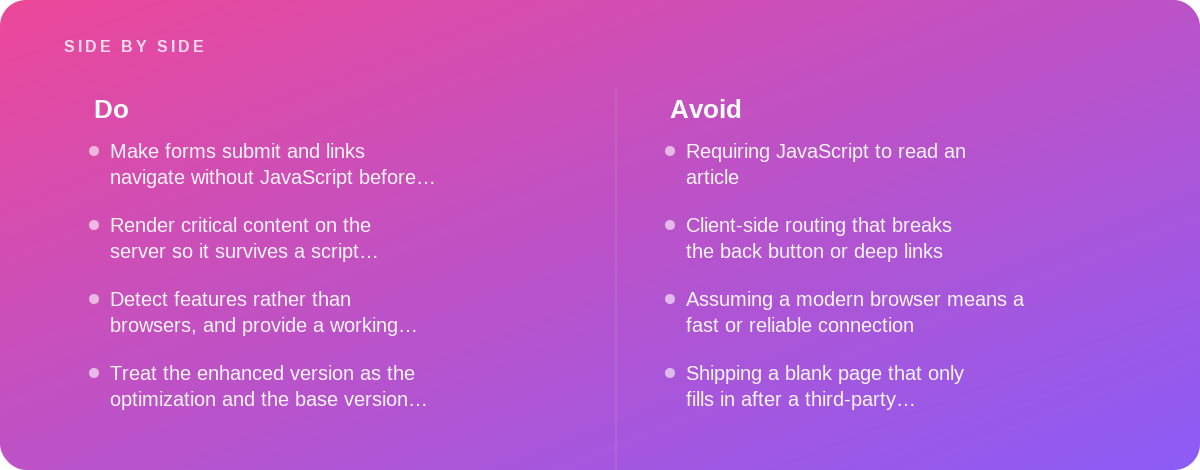
- Make forms submit and links navigate without JavaScript before enhancing either
- Render critical content on the server so it survives a script failure
- Detect features rather than browsers, and provide a working path when the feature is absent
- Treat the enhanced version as the optimization and the base version as the product
What should I avoid?
Avoid:
- Requiring JavaScript to read an article
- Client-side routing that breaks the back button or deep links
- Assuming a modern browser means a fast or reliable connection
- Shipping a blank page that only fills in after a third-party script answers
When should I get help?
Short answer Bring in help when a single-page application needs to be indexable, when analytics show a meaningful share of sessions with scripts failing, or when a rebuild has to support devices the current stack does not.
Where this comes from
- MDN Web Docs — Progressive enhancement
- GOV.UK Service Manual — Building a resilient frontend
- Google Search Central — JavaScript SEO basics
The figures and practices above come from the sources listed.
Working on something like this?
We take on Web Design & Development work for teams who want it done once, properly. Tell us what you are building and we will tell you honestly whether we are the right studio for it. Start a project.
Where to go next
Spotted something wrong? Report an error on this page. We correct on the page and say what changed.







