How to Get Lead Form Fields Right
Deciding which fields a lead form asks for, and when to ask for them.
 MediaScaleUp Editorial Team

Why does it matter?
Every extra field costs completions, but too few fields leaves sales without the information they need.
What are the numbers?
- Friction longer forms generally reduce completion rates
- Progressive profiling collects more data over repeat visits
- Enrichment some data can be appended from company databases
- Autofill standard field names let browsers fill forms
What should I do?
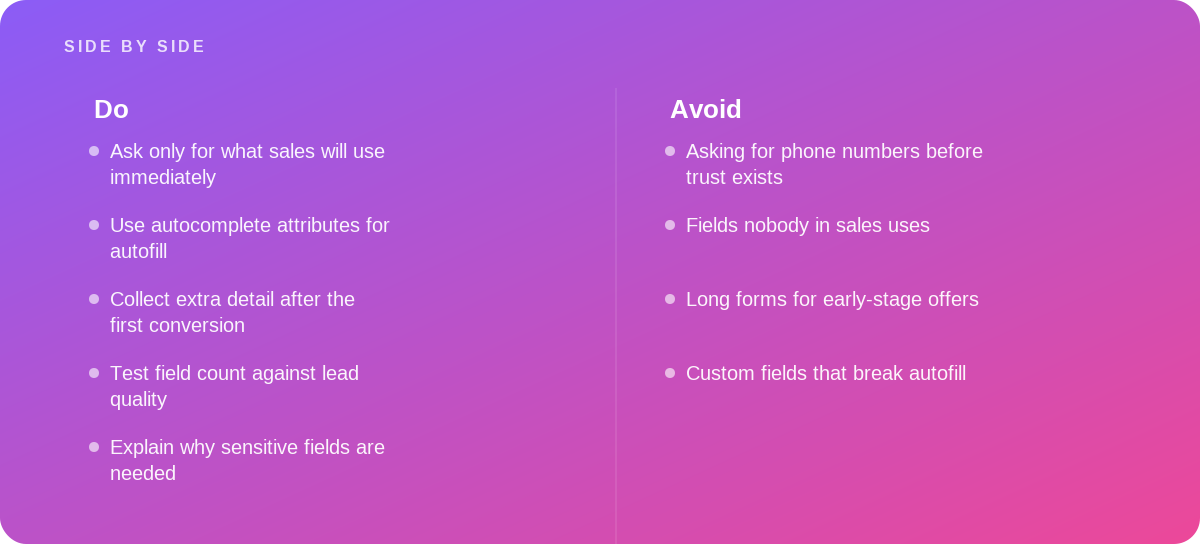
- Ask only for what sales will use immediately
- Use autocomplete attributes for autofill
- Collect extra detail after the first conversion
- Test field count against lead quality
- Explain why sensitive fields are needed
What should I avoid?
Avoid:
- Asking for phone numbers before trust exists
- Fields nobody in sales uses
- Long forms for early-stage offers
- Custom fields that break autofill
When should I get help?
Short answer Bring in help when form conversion rates are low.
Where this comes from
- Baymard Institute — Checkout usability research
- MDN Web Docs — The autocomplete attribute
The figures and practices above come from the sources listed.
Working on something like this?
We take on Digital Marketing & CRO work for teams who want it done once, properly. Tell us what you are building and we will tell you honestly whether we are the right studio for it. Start a project.
Where to go next
Spotted something wrong? Report an error on this page. We correct on the page and say what changed.