A Practical Guide to LinkedIn Lead Gen Forms
LinkedIn ad forms that open inside LinkedIn and are pre-filled with members' profile information, used to collect B2B leads without a landing page.
 Samir Haddad
Why does it matter?
Pre-filled forms raise conversion rates, but lead quality needs checking because submitting is so easy.
What are the numbers?
- Pre-fill fields populate from LinkedIn profile data
- Custom questions can qualify leads further
- Integrations leads can sync to CRM and marketing tools
- Privacy forms link to the advertiser's privacy policy
What should I do?
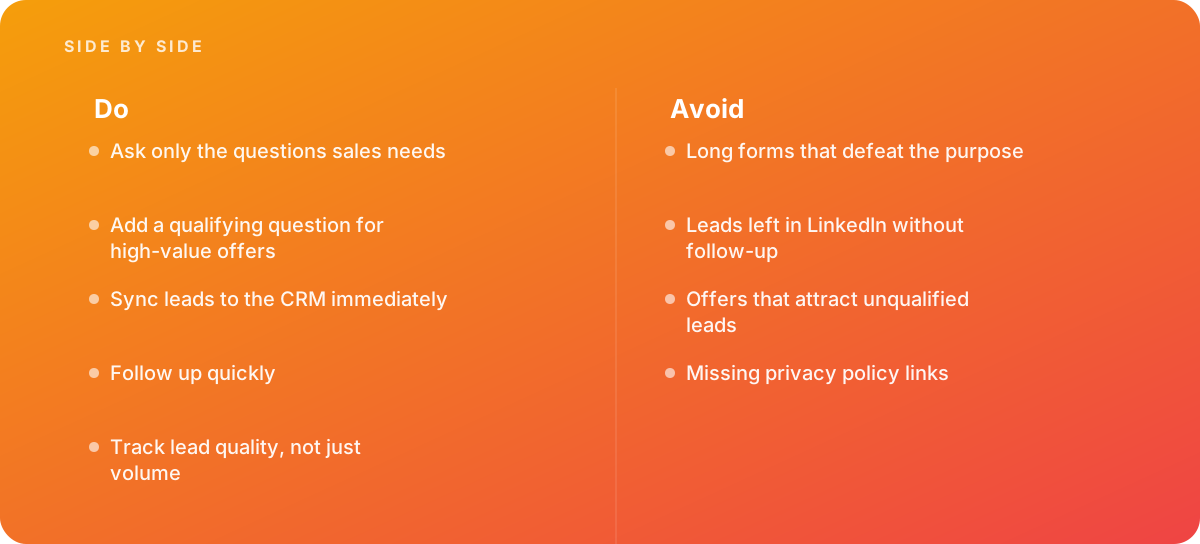
- Ask only the questions sales needs
- Add a qualifying question for high-value offers
- Sync leads to the CRM immediately
- Follow up quickly
- Track lead quality, not just volume
What should I avoid?
Avoid:
- Long forms that defeat the purpose
- Leads left in LinkedIn without follow-up
- Offers that attract unqualified leads
- Missing privacy policy links
When should I get help?
Short answer Bring in help when LinkedIn lead volume is high but sales quality is low.
Where this comes from
- LinkedIn Marketing Solutions — Lead Gen Forms
- LinkedIn Marketing Solutions — Lead sync integrations
The figures and practices above come from the sources listed.
Working on something like this?
We take on Digital Marketing & CRO work for teams who want it done once, properly. Tell us what you are building and we will tell you honestly whether we are the right studio for it. Start a project.
Where to go next
Spotted something wrong? Report an error on this page. We correct on the page and say what changed.