Accessible Document Publishing: The Decisions That Matter
Producing reports, forms and policies that people using assistive technology can read.
 MediaScaleUp Editorial Team

What is at stake
Most organizational documents are published as untagged PDFs, which are effectively closed to many readers.
The playbook
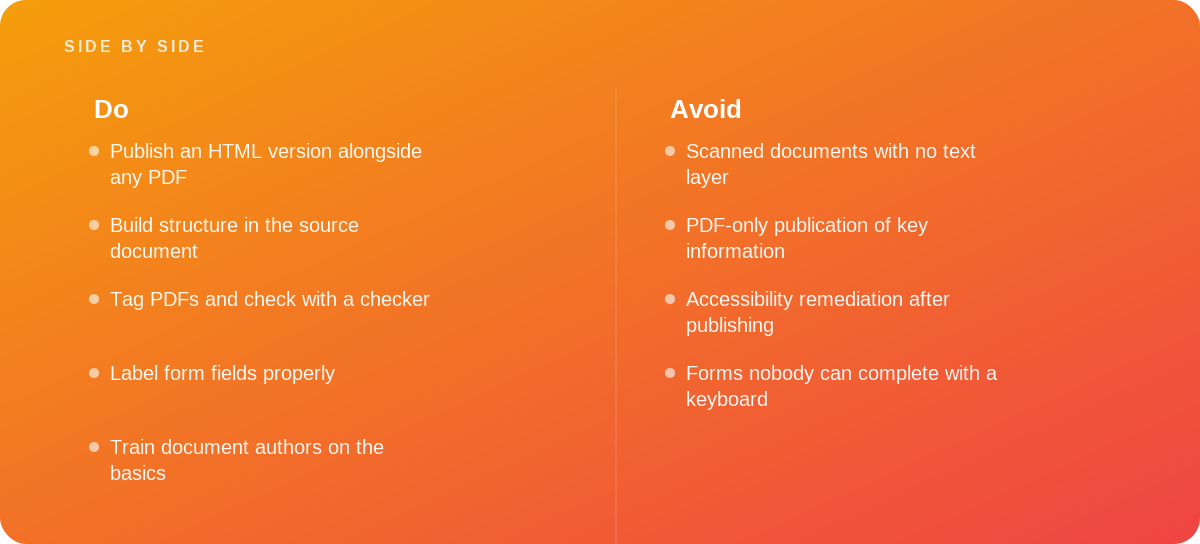
- Publish an HTML version alongside any PDF
- Build structure in the source document
- Tag PDFs and check with a checker
- Label form fields properly
- Train document authors on the basics
Where it goes wrong
Avoid:
- Scanned documents with no text layer
- PDF-only publication of key information
- Accessibility remediation after publishing
- Forms nobody can complete with a keyboard
The numbers behind it
| Measure | Figure |
|---|---|
| Tagging | PDF accessibility depends on structure tags |
| HTML first | web pages are generally more accessible than documents |
| Forms | PDF forms need labeled fields |
| Source files | accessibility is easier to build in the source document |
Getting outside help
When to hand it over: Bring in help when reports and forms must be accessible.
Where this comes from
- W3C Web Accessibility Initiative — PDF accessibility
- Section508.gov — Create accessible digital products
The figures and practices above come from the sources listed.
Working on something like this?
We take on Content Strategy work for teams who want it done once, properly. Tell us what you are building and we will tell you honestly whether we are the right studio for it. Start a project.
Where to go next
Spotted something wrong? Report an error on this page. We correct on the page and say what changed.