A Practical Guide to Zero Trust Access for Admin Tools
Securing internal tools by verifying every request rather than trusting the network.
 MediaScaleUp Editorial Team

What is at stake
Internal admin panels are high-value targets, and network location is no longer a reliable security boundary.
The playbook
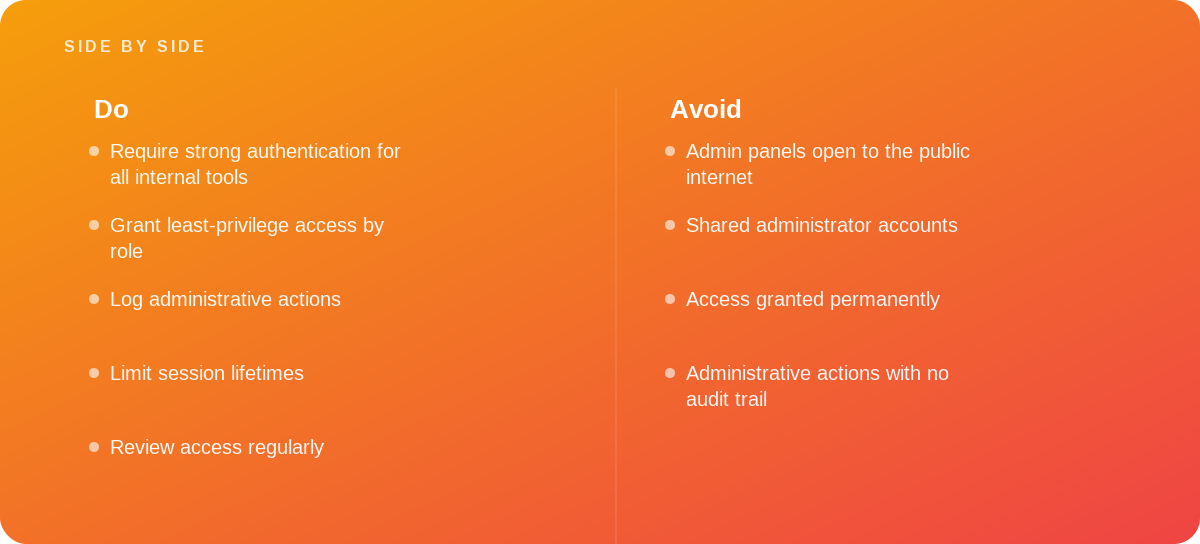
- Require strong authentication for all internal tools
- Grant least-privilege access by role
- Log administrative actions
- Limit session lifetimes
- Review access regularly
Where it goes wrong
Avoid:
- Admin panels open to the public internet
- Shared administrator accounts
- Access granted permanently
- Administrative actions with no audit trail
The numbers behind it
| Measure | Figure |
|---|---|
| Identity-based access | access decisions rest on verified identity and device |
| Least privilege | users get only the access they need |
| Session limits | administrative sessions should be short |
| Auditing | administrative actions need logging |
Getting outside help
When to hand it over: Bring in help when internal tools hold customer data.
Where this comes from
- National Institute of Standards and Technology — Zero Trust Architecture
- OWASP — Access Control Cheat Sheet
The figures and practices above come from the sources listed.
Working on something like this?
We take on Web Design & Development work for teams who want it done once, properly. Tell us what you are building and we will tell you honestly whether we are the right studio for it. Start a project.
Where to go next
Spotted something wrong? Report an error on this page. We correct on the page and say what changed.





