A Practical Guide to WordPress and WooCommerce Stores
Running an online store on WordPress with WooCommerce, including hosting, plugins and performance considerations.
 MediaScaleUp Editorial Team

What is at stake
WooCommerce gives full control and low licensing costs, but stores need hosting, security and update discipline to stay reliable.
The playbook
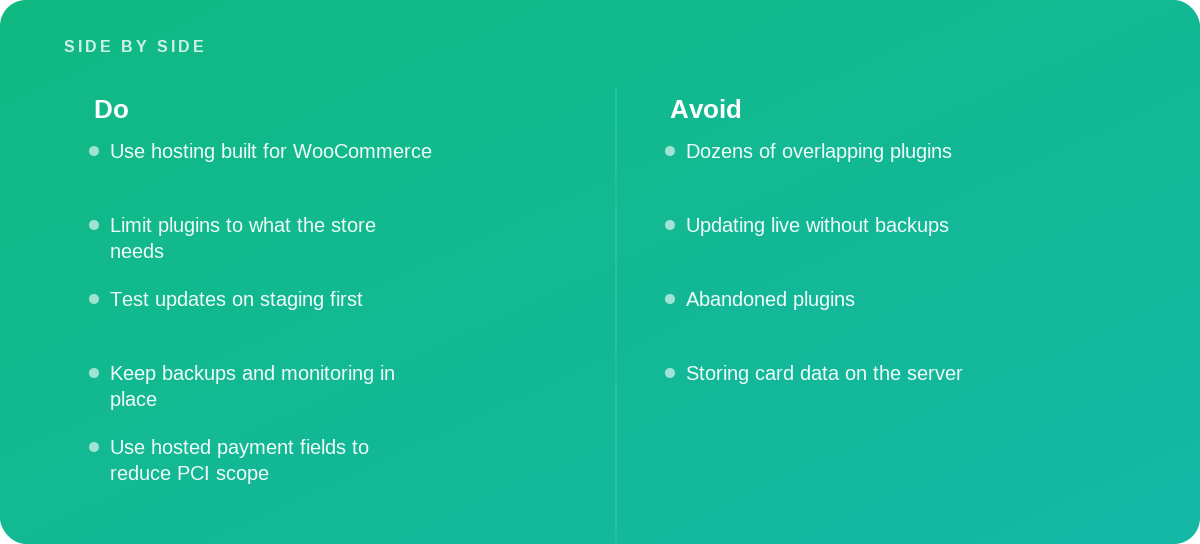
- Use hosting built for WooCommerce
- Limit plugins to what the store needs
- Test updates on staging first
- Keep backups and monitoring in place
- Use hosted payment fields to reduce PCI scope
Where it goes wrong
Avoid:
- Dozens of overlapping plugins
- Updating live without backups
- Abandoned plugins
- Storing card data on the server
The numbers behind it
| Measure | Figure |
|---|---|
| Plugin-based | WooCommerce runs as a WordPress plugin |
| Extensions | payments, shipping and taxes are often added by plugins |
| Updates | plugins and themes need regular updating |
| PCI DSS | self-hosted stores carry more payment security responsibility |
Getting outside help
When to hand it over: Bring in help when a WooCommerce store grows beyond simple catalogs.
Where this comes from
- WordPress Developer Resources — Plugin handbook
- PCI Security Standards Council — PCI DSS
The figures and practices above come from the sources listed.
Working on something like this?
We take on E-commerce Development work for teams who want it done once, properly. Tell us what you are building and we will tell you honestly whether we are the right studio for it. Start a project.
Where to go next
Spotted something wrong? Report an error on this page. We correct on the page and say what changed.