A Practical Guide to Server-Side Tagging
Running tag containers on a server instead of in the browser, so data is collected and forwarded server to server.
 MediaScaleUp Editorial Team

Why does it matter?
Server-side tagging can improve page performance and data control, but it adds infrastructure and does not remove privacy obligations.
What are the numbers?
- Server containers Google Tag Manager supports server-side containers
- Performance fewer third-party scripts run in the browser
- Control data can be filtered before being forwarded
- Cost server containers require hosting
What should I do?
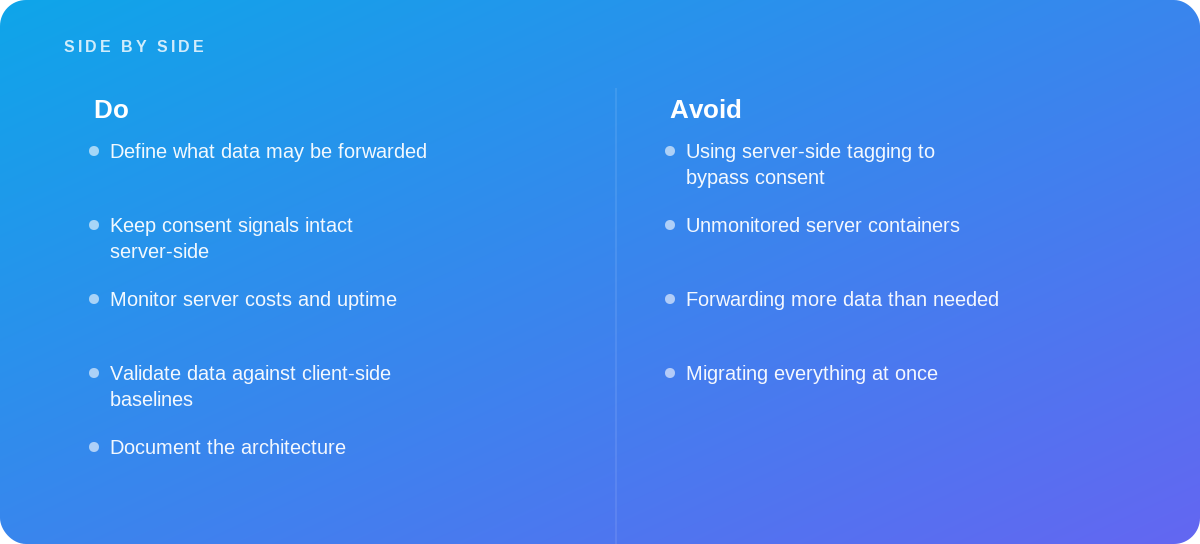
- Define what data may be forwarded
- Keep consent signals intact server-side
- Monitor server costs and uptime
- Validate data against client-side baselines
- Document the architecture
What should I avoid?
Avoid:
- Using server-side tagging to bypass consent
- Unmonitored server containers
- Forwarding more data than needed
- Migrating everything at once
When should I get help?
Short answer Bring in help when planning a server-side measurement setup.
Where this comes from
- Google for Developers — Server-side tagging
- Google for Developers — Measurement Protocol
The figures and practices above come from the sources listed.
Working on something like this?
We take on Digital Marketing & CRO work for teams who want it done once, properly. Tell us what you are building and we will tell you honestly whether we are the right studio for it. Start a project.
Where to go next
Spotted something wrong? Report an error on this page. We correct on the page and say what changed.