A Practical Guide to Server-Sent Events
A simple way for a server to push updates to a browser over a single HTTP connection.
 MediaScaleUp Editorial Team

Where most projects go wrong
The usual mistakes:
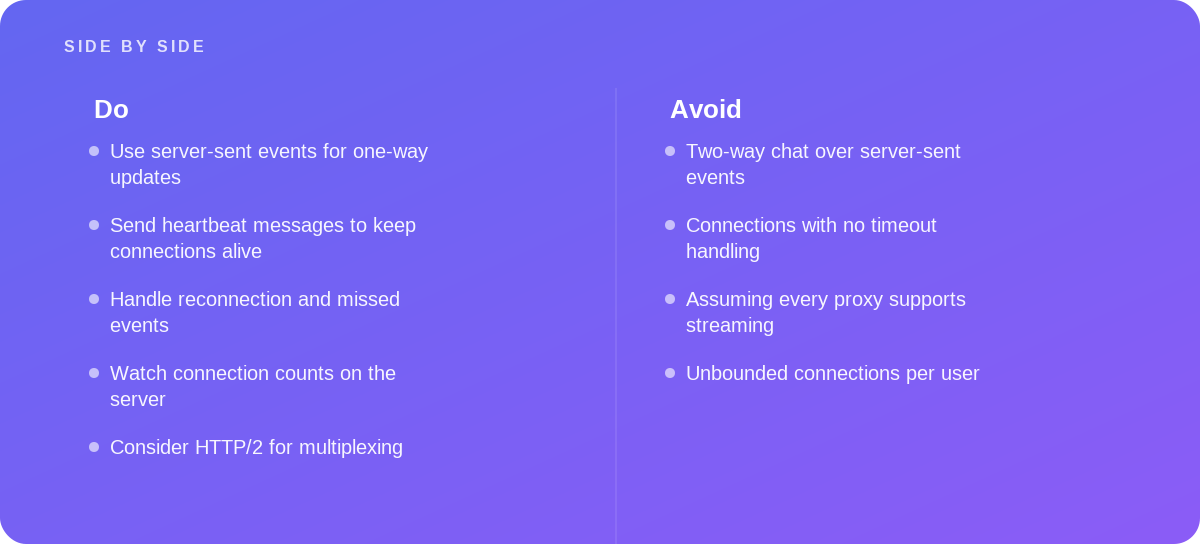
- Two-way chat over server-sent events
- Connections with no timeout handling
- Assuming every proxy supports streaming
- Unbounded connections per user
What good looks like instead
- Use server-sent events for one-way updates
- Send heartbeat messages to keep connections alive
- Handle reconnection and missed events
- Watch connection counts on the server
- Consider HTTP/2 for multiplexing
Why it matters
For one-way updates such as notifications or progress, server-sent events are simpler than WebSockets.
The specs that matter
| Measure | Figure |
|---|---|
| One-way | the server sends, the browser receives |
| Reconnection | browsers reconnect automatically |
| HTTP | events travel over ordinary HTTP |
| Connection limits | browsers limit connections per domain over HTTP/1.1 |
Knowing when to hand it over
Tip: Bring in help when dashboards need live updates.
Where this comes from
- MDN Web Docs — Server-sent events
- WHATWG — HTML Standard
The figures and practices above come from the sources listed.
Working on something like this?
We take on Web Design & Development work for teams who want it done once, properly. Tell us what you are building and we will tell you honestly whether we are the right studio for it. Start a project.
Where to go next
Spotted something wrong? Report an error on this page. We correct on the page and say what changed.






