A Practical Guide to Offline and Poor Connectivity UX
How an interface behaves when the network is slow, intermittent or unavailable.
 Priya Raghunathan

Why does it matter?
Mobile users regularly lose connectivity, and interfaces that assume a perfect network lose work and trust.
What are the numbers?
- Service workers can serve cached content offline
- Offline pages explain the situation instead of showing browser errors
- Optimistic updates show changes before the server confirms
- Retries failed requests can be queued and retried
What should I do?
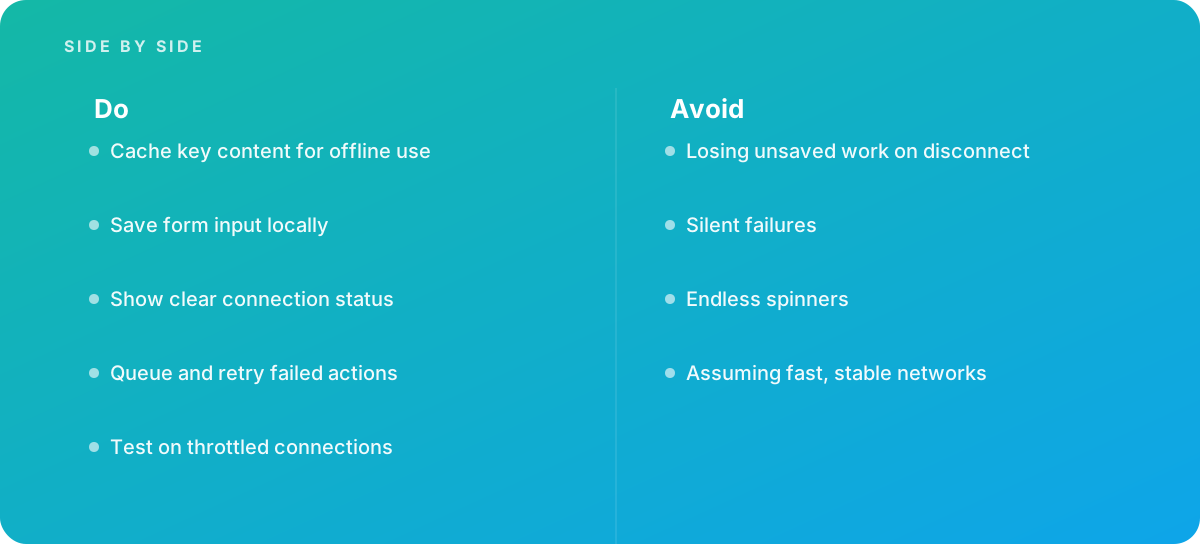
- Cache key content for offline use
- Save form input locally
- Show clear connection status
- Queue and retry failed actions
- Test on throttled connections
What should I avoid?
Avoid:
- Losing unsaved work on disconnect
- Silent failures
- Endless spinners
- Assuming fast, stable networks
When should I get help?
Short answer Bring in help when field or mobile users lose connectivity.
Where this comes from
- web.dev — Offline
- MDN Web Docs — Service Worker API
The figures and practices above come from the sources listed.
Working on something like this?
We take on UI & UX Design work for teams who want it done once, properly. Tell us what you are building and we will tell you honestly whether we are the right studio for it. Start a project.
Where to go next
Spotted something wrong? Report an error on this page. We correct on the page and say what changed.