Skip to content
Video Editing & Production

A Practical Guide to Event Video Coverage

Filming conferences, launches and ceremonies, where events happen once and cannot be repeated.

MediaScaleUp Editorial Team 2 min read 12 views

A Practical Guide to Event Video Coverage

At a glance

  • Feeds sound is usually taken from the venue mixing desk
  • Redundancy backup recorders protect against failure
  • Lighting venue lighting is fixed and often difficult
  • Releases attendees and speakers may need consent

Why it matters

Why it matters: Event video depends on preparation and redundancy, because there is no second chance at a keynote.

Best practice

  • Take audio from the desk with a backup
  • Scout the venue and sight lines in advance
  • Use multiple cameras for key sessions
  • Confirm consent and signage for attendees
  • Back up footage before leaving the venue
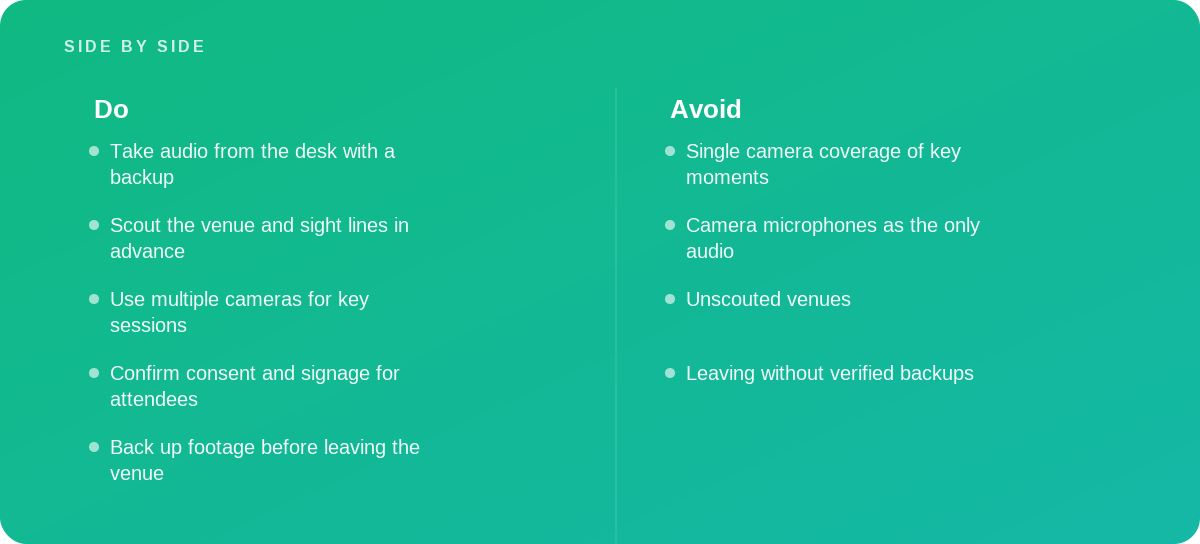
What to do and what to avoid with event video coverage, side by side
Good practice against the usual mistakes, from the sources listed below.

Common pitfalls

Watch out for:

  • Single camera coverage of key moments
  • Camera microphones as the only audio
  • Unscouted venues
  • Leaving without verified backups

When to call in a specialist

Bottom line Bring in help when covering high-profile events.

Where this comes from

The figures and practices above come from the sources listed.

Working on something like this?

We take on Video Editing & Production work for teams who want it done once, properly. Tell us what you are building and we will tell you honestly whether we are the right studio for it. Start a project.

Where to go next

Spotted something wrong? Report an error on this page. We correct on the page and say what changed.


All services

The work behind this article, and what it costs.

See it in practice

All the work
Before: Green Screen: Rotating Food Product Keyed into a Café Scene
After: Green Screen: Rotating Food Product Keyed into a Café Scene
Green-screen source Keyed + composited

Green Screen: Rotating Food Product Keyed into a Café Scene

Chroma key, despill, color matching, background defocus and vignette, compositing (ffmpeg)

Studio demo on a public-domain photo, not a client job

Watch the video

Green Screen Compositing Food & Restaurant 24-48 hours

Before: Cinematic Grade: Flat Drone Footage to a Moody Film Look
After: Cinematic Grade: Flat Drone Footage to a Moody Film Look
Original flat footage Cinematic grade

Cinematic Grade: Flat Drone Footage to a Moody Film Look

Filmic tone curve, split toning, graduated sky filter, vibrance, vignette and sharpening, with a wipe compare video

Studio demo on a public-domain photo, not a client job

Watch the video

Cinematic Color Grading Travel & Tourism 24-48 hours

Before: Logo Animation: A Coastal Tea Brand Mark Draws Itself On
After: Logo Animation: A Coastal Tea Brand Mark Draws Itself On
Static logo artwork Animated logo frame

Logo Animation: A Coastal Tea Brand Mark Draws Itself On

Logo design, self-drawing stroke reveal, staggered wave wipes, wordmark rise, particle burst and light sweep

Studio demo on a public-domain photo, not a client job

Watch the video

Logo Animation Food & Beverage 3-5 days

MediaScaleUp Editorial Team

Articles here are researched, written and checked by the MediaScaleUp studio team before they are published, and dated when they are reviewed.

Keep reading

More in Video Editing & Production










