A Practical Guide to Accessible Range Sliders
Slider controls for values such as price ranges and volume.
 MediaScaleUp Editorial Team

At a glance
- Keyboard arrow keys should change values
- Values current, minimum and maximum values must be exposed
- Native input the range input provides much of this behavior
- Text alternative a number input alongside helps precision
Why it matters
Why it matters: Sliders are hard to operate precisely with a mouse and impossible without keyboard support.
Best practice
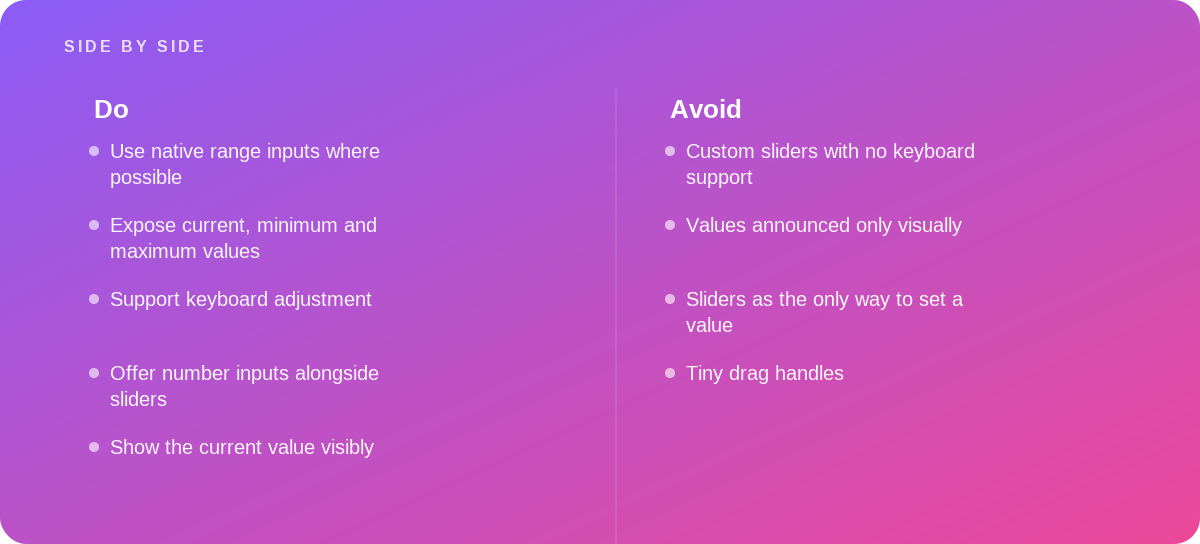
- Use native range inputs where possible
- Expose current, minimum and maximum values
- Support keyboard adjustment
- Offer number inputs alongside sliders
- Show the current value visibly
Common pitfalls
Watch out for:
- Custom sliders with no keyboard support
- Values announced only visually
- Sliders as the only way to set a value
- Tiny drag handles
When to call in a specialist
Bottom line Bring in help when filters rely on sliders.
Where this comes from
- W3C ARIA Authoring Practices Guide — Slider pattern
- MDN Web Docs — The Input element
The figures and practices above come from the sources listed.
Working on something like this?
We take on Performance & Accessibility work for teams who want it done once, properly. Tell us what you are building and we will tell you honestly whether we are the right studio for it. Start a project.
Where to go next
Spotted something wrong? Report an error on this page. We correct on the page and say what changed.









