3D Animation Fundamentals: The Decisions That Matter
Moving objects and characters over time with timing, spacing and weight that reads as intentional.
 MediaScaleUp Editorial Team

At a glance
- Keyframes the poses; interpolation fills between them
- Interpolation curves control acceleration between keys
- Ease linear motion reads as mechanical because nothing physical moves that way
- Anticipation and follow-through what makes motion read as having mass
- Frame rate set by the deliverable, and fixed before animating
Why it matters
Why it matters: Animation is judged on timing and weight rather than on technical complexity, and the principles that govern it predate computers entirely.
Best practice
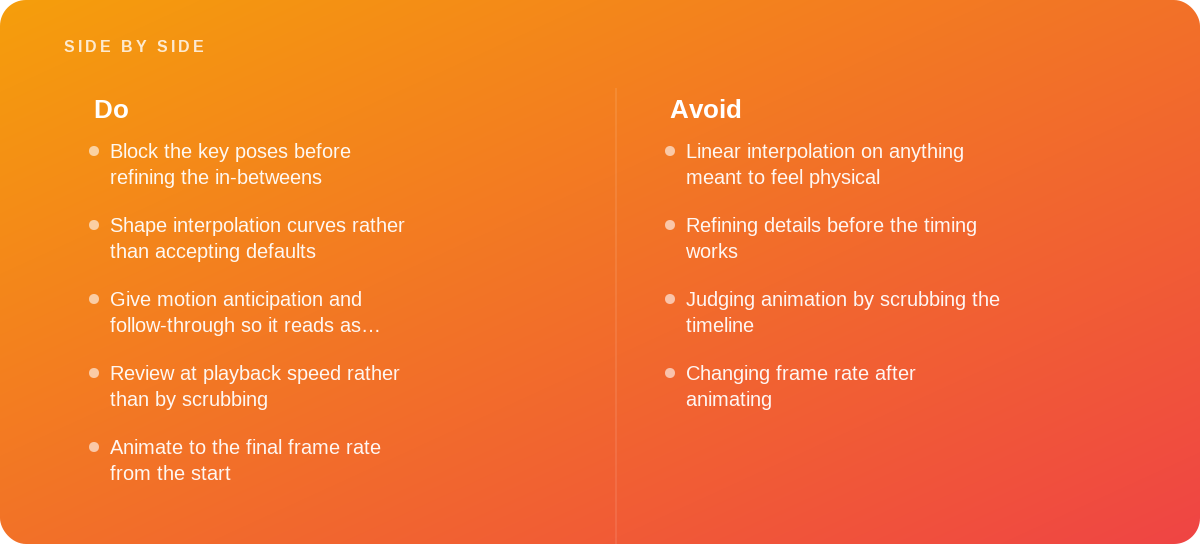
- Block the key poses before refining the in-betweens
- Shape interpolation curves rather than accepting defaults
- Give motion anticipation and follow-through so it reads as weighted
- Review at playback speed rather than by scrubbing
- Animate to the final frame rate from the start
Common pitfalls
Watch out for:
- Linear interpolation on anything meant to feel physical
- Refining details before the timing works
- Judging animation by scrubbing the timeline
- Changing frame rate after animating
When to call in a specialist
Bottom line Bring in help when animation reads as floaty or mechanical and nobody can say why, when character work requires rigging, or when a sequence must match live-action footage.
Where this comes from
- Blender Foundation — Animation documentation
- Autodesk — Animation guides
- Academy Software Foundation — Animation interchange
The figures and practices above come from the sources listed.
Working on something like this?
We take on 3D Design & Development work for teams who want it done once, properly. Tell us what you are building and we will tell you honestly whether we are the right studio for it. Start a project.
Where to go next
Spotted something wrong? Report an error on this page. We correct on the page and say what changed.