3D Lighting vs 3D Texturing
Which you need, what each costs, and when a project wants both — 3d lighting compared with 3d texturing.
Last revised
Both sit under 3D Rendering, and clients regularly ask which of the two they actually want. The short answer is below; the rest of this page is how to tell, what each costs, and the cases where a project needs both.
The quick verdict
In short More often than the question implies — the same job frequently touches both, and one team covers them, so moving between them is a conversation rather than a second supplier. If you are not sure which your files need, that is what the free trial is for. The process is the same either way: whichever you pick, the work runs through the same stages and is checked against the same bar. 3D Rendering sets that out.
Side by side
| 3D Lighting | 3D Texturing | |
|---|---|---|
| Starts at | From $39.00 per render | From $39.00 per render |
| Services underneath | 11 | 3 |
Choose 3D Lighting if
- The job is specifically artificial lighting, which sits under this one
- The job is specifically atmospheric lighting, which sits under this one
- The job is specifically global illumination (gi) optimization, which sits under this one
Choose 3D Texturing if
- The job is specifically texture mapping, which sits under this one
- The job is specifically texture optimization, which sits under this one
- The job is specifically UV mapping, which sits under this one
What each one is
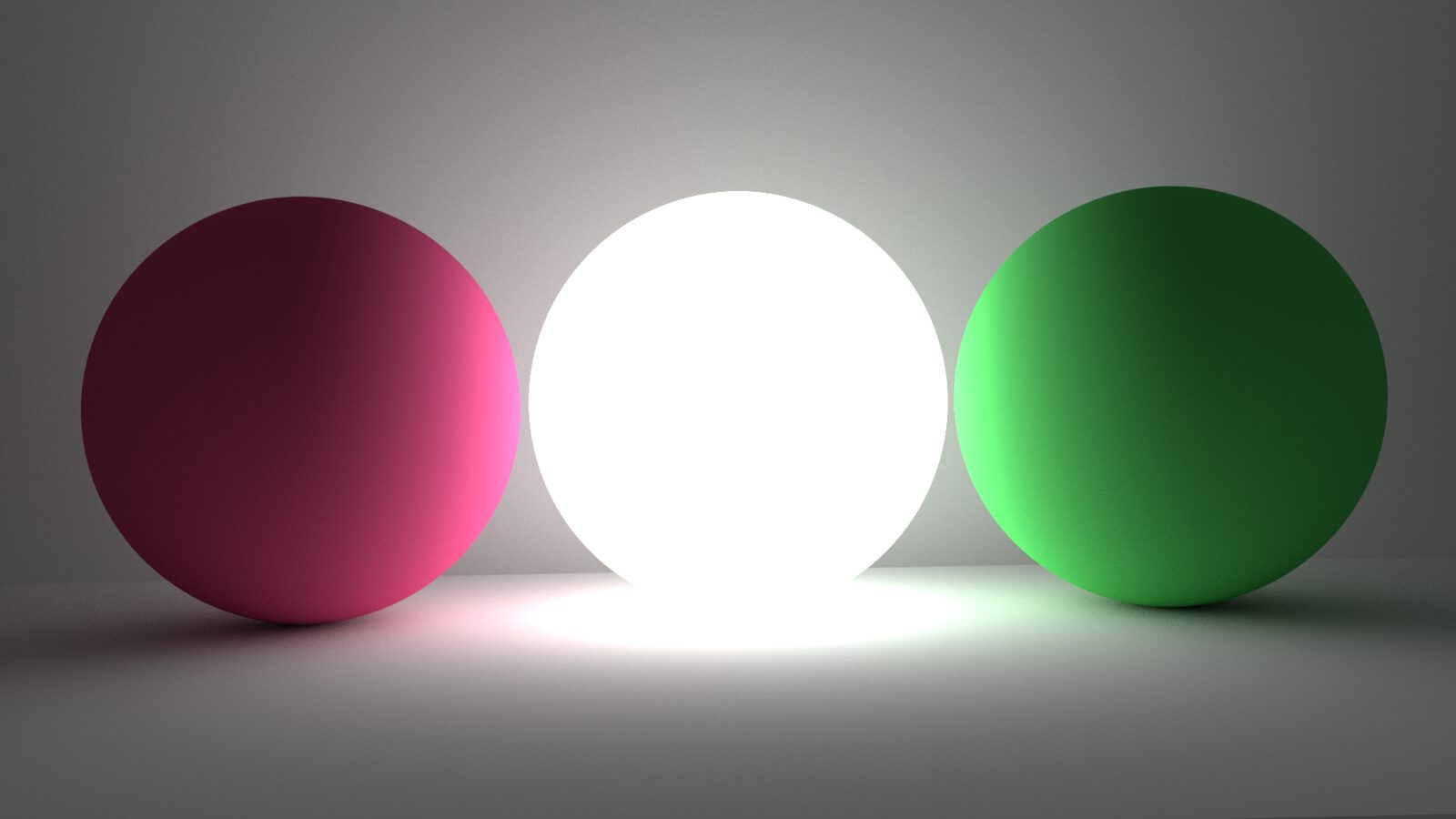
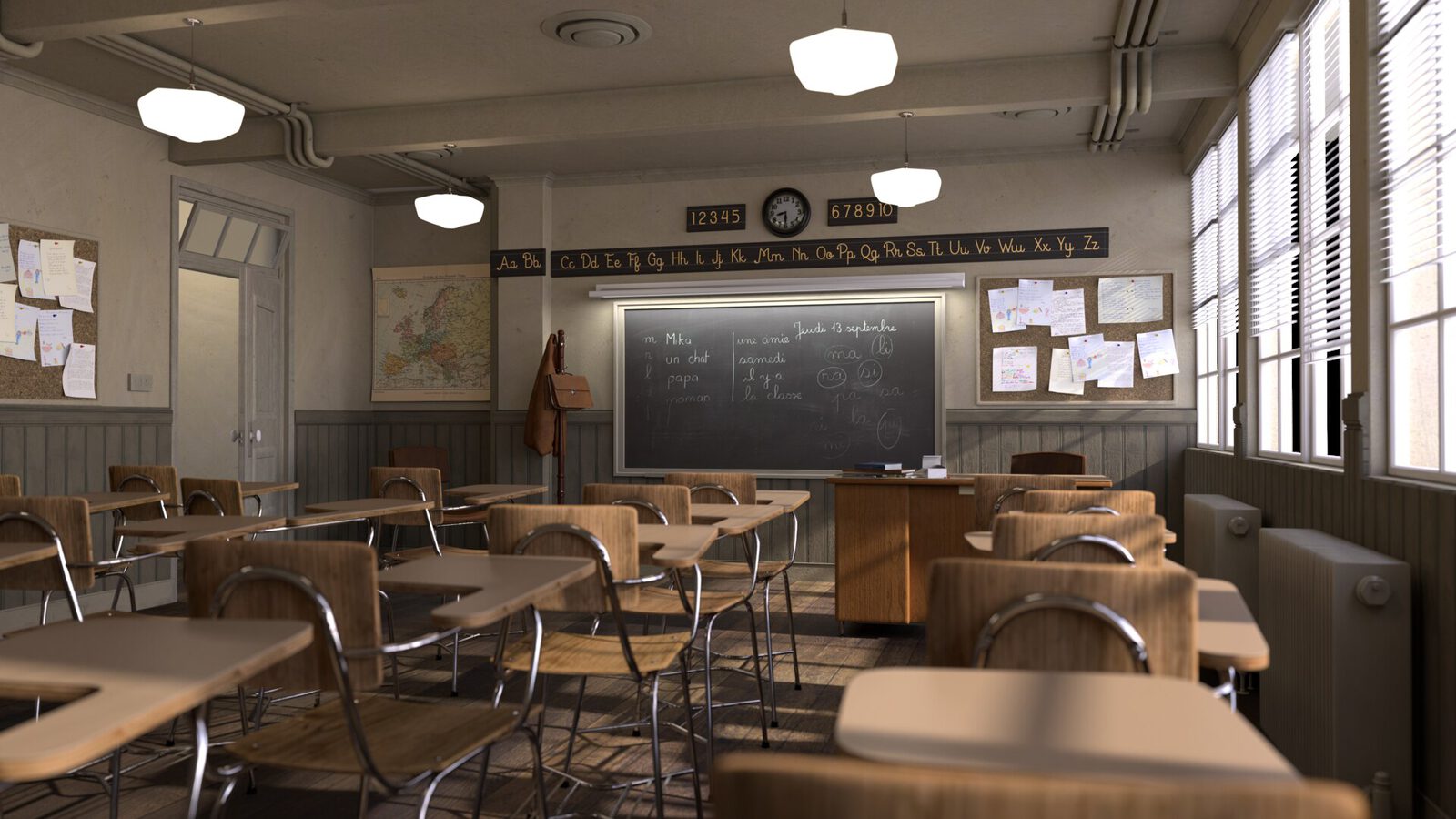
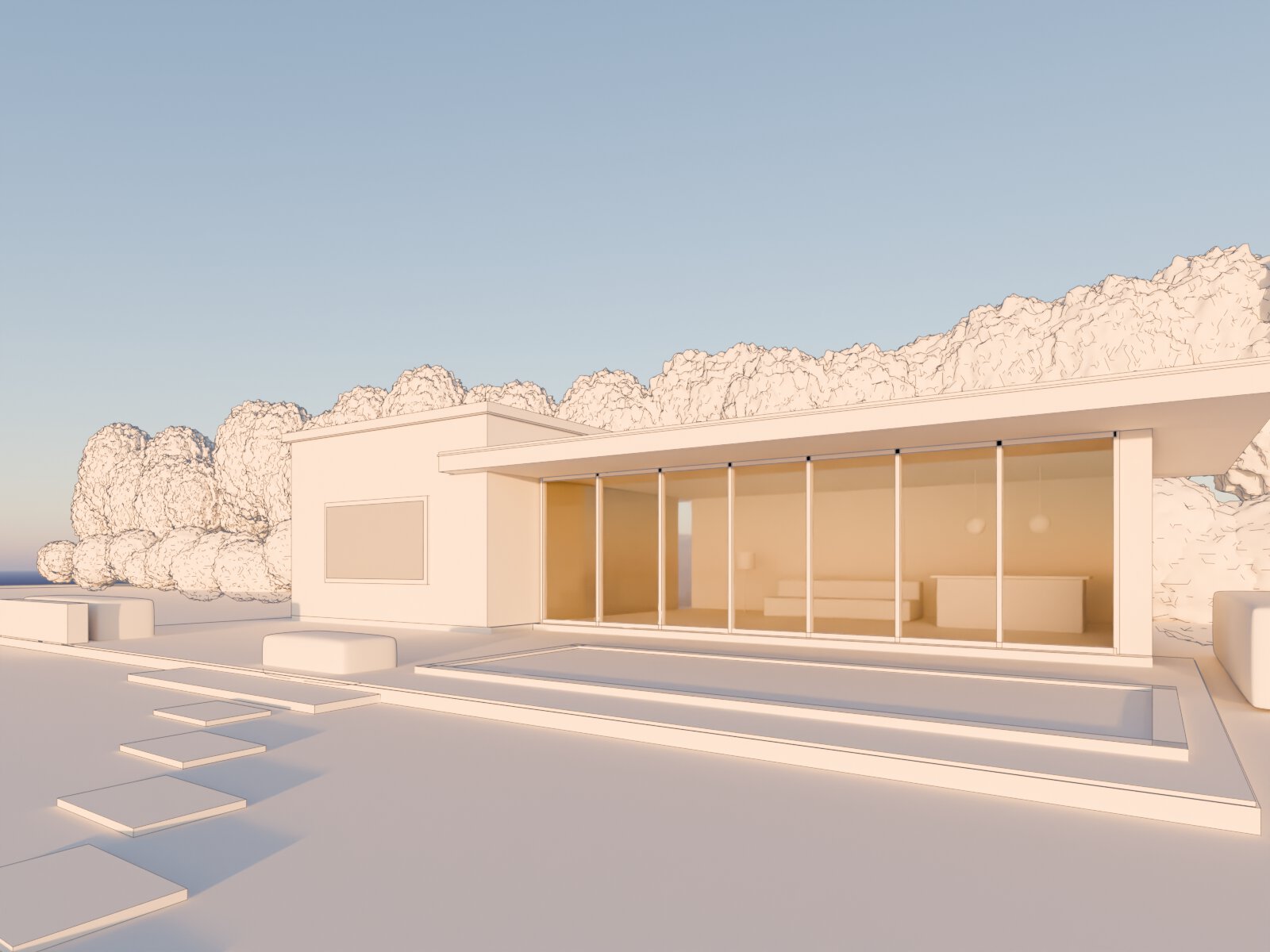
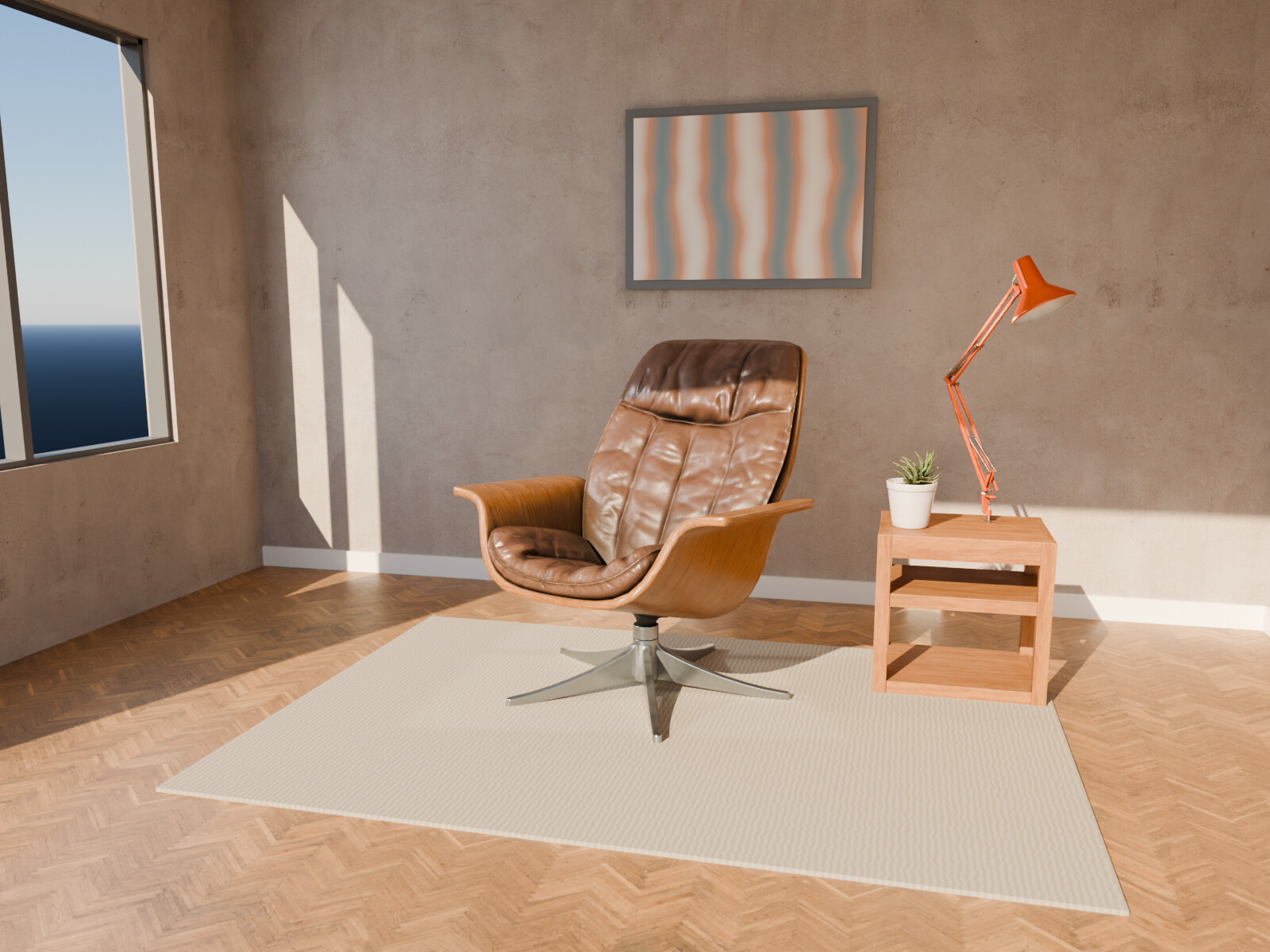
- 3D Lighting Lighting 3D scenes so they look real and show the product or space at its best, whether the output is a still, an animation or real time.
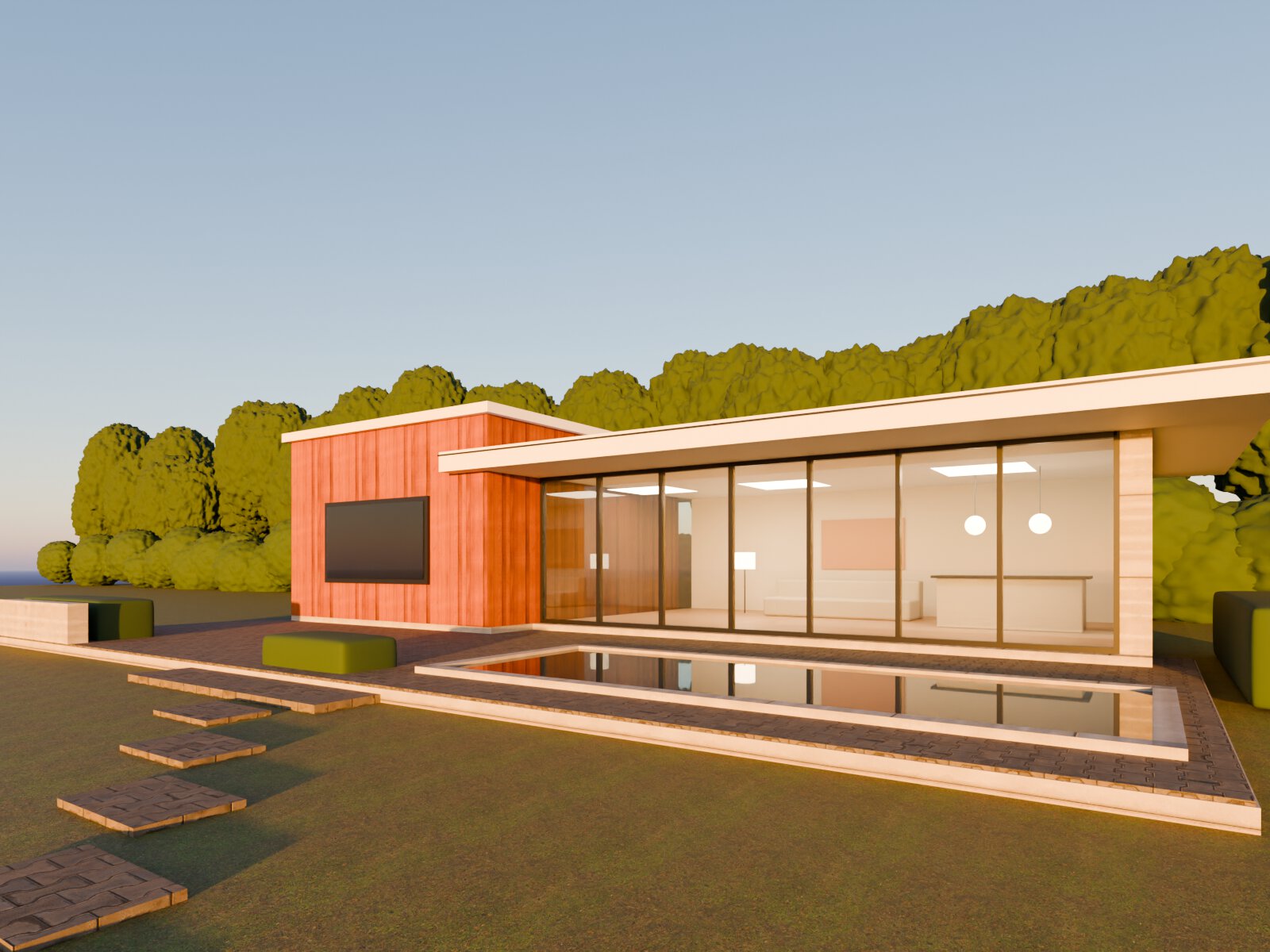
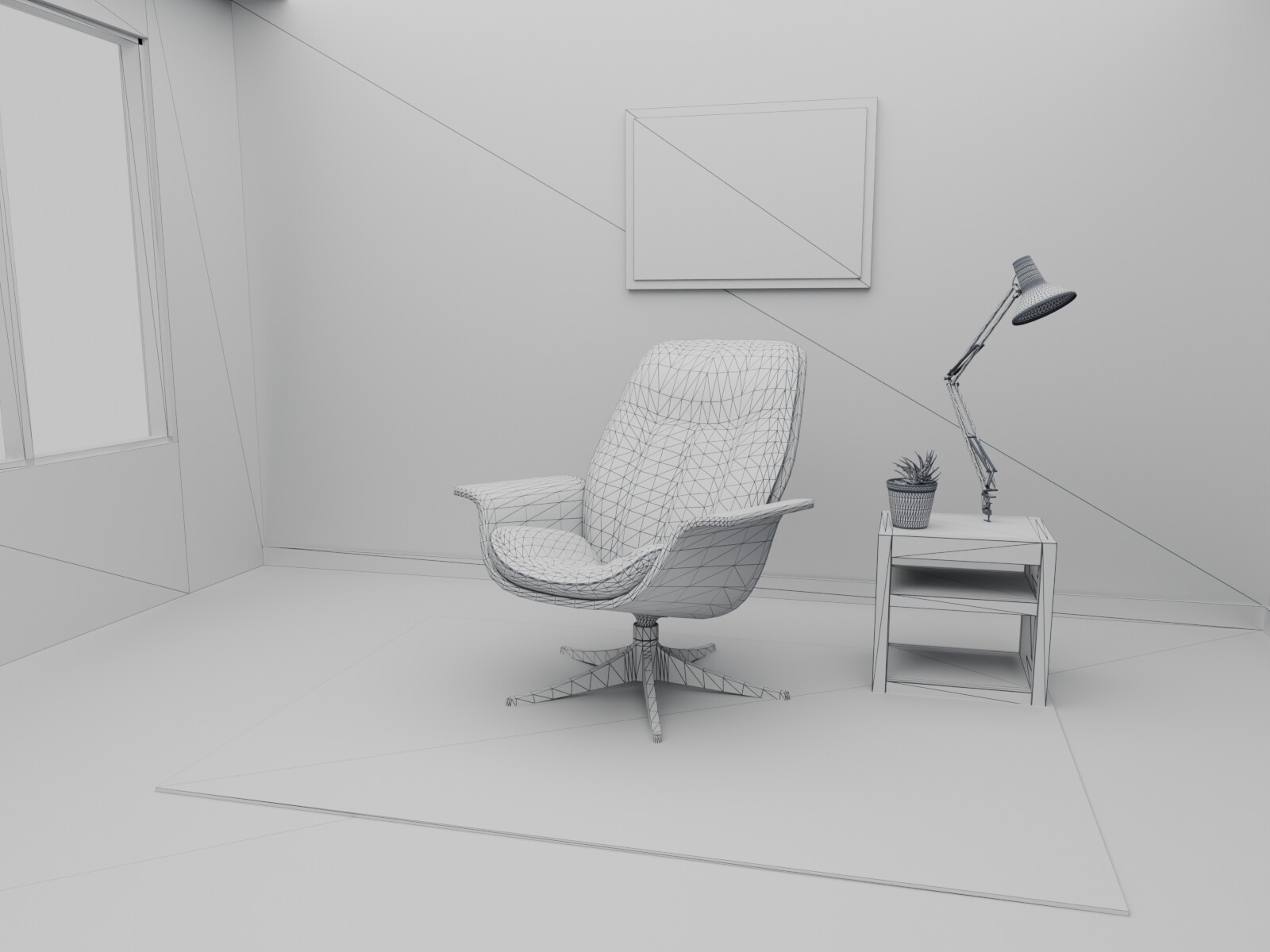
- 3D Texturing Creating the surface detail of 3D models: color, roughness, bumps and wear, so materials look real up close.
Questions we get on this specific choice
Is one of them cheaper?
They start at the same rate, so the choice is about what the job needs rather than about budget. Complexity moves both.
Which is faster?
Much the same, and volume moves the number far more than the choice between these two does.
Can you tell me which one my files need?
Yes, free. Send two or three real files — that judgment is part of the trial rather than something quoted separately.
Can I switch after we start?
Yes. If the files say the other one is the right answer, we re-quote before doing the work rather than after.
Where to go from here
- 3D Lighting — what it is, in full, with its own pricing
- 3D Texturing — the same for the alternative
- 3D Rendering pricing — both rates side by side with the US market ranges
- Try it free — one look-development frame of your product, and we will tell you which of the two your files need
- Get a quote if the scope is already clear
- Every rate we publish, on one page