Shutter Speed: The Decisions That Matter
How long the camera's sensor is exposed to light, which controls motion blur and affects exposure.
 MediaScaleUp Editorial Team
At a glance
- Fast speeds freeze motion, such as 1/1000 second
- Slow speeds show motion blur
- Handheld guideline a common rule is at least 1 over the focal length
- Flash sync cameras have a maximum shutter speed for flash
Why it matters
Why it matters: Shutter speed decides whether motion is frozen or blurred, and too slow a speed causes camera shake in handheld shots.
Best practice
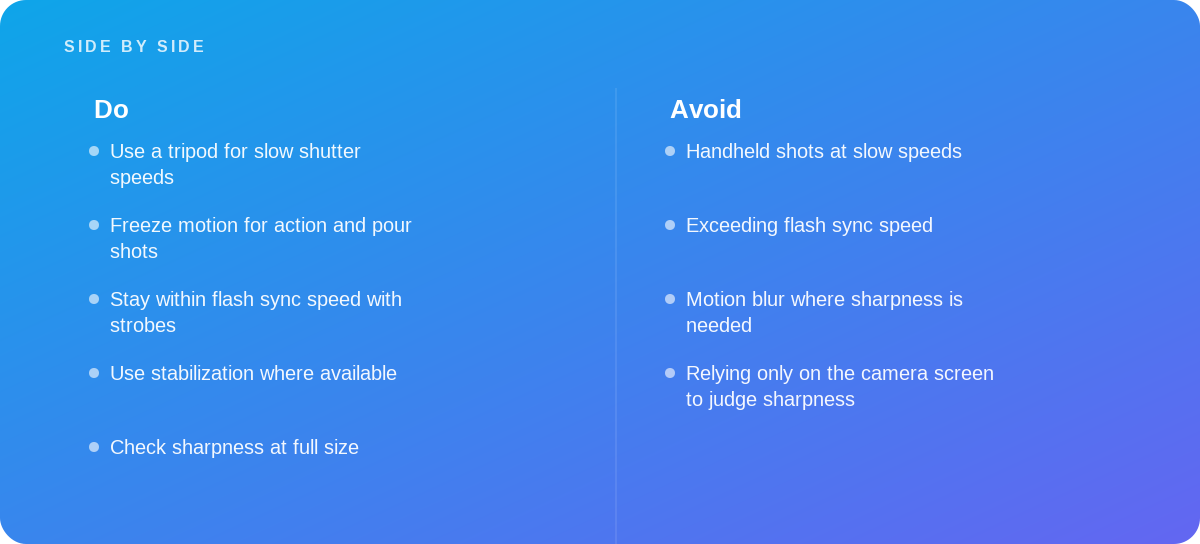
- Use a tripod for slow shutter speeds
- Freeze motion for action and pour shots
- Stay within flash sync speed with strobes
- Use stabilization where available
- Check sharpness at full size
Common pitfalls
Watch out for:
- Handheld shots at slow speeds
- Exceeding flash sync speed
- Motion blur where sharpness is needed
- Relying only on the camera screen to judge sharpness
When to call in a specialist
Bottom line Bring in help when shooting motion, pours or action for campaigns.
Where this comes from
- Adobe Help Center — Photography basics
- Capture One — Learning resources
The figures and practices above come from the sources listed.
Working on something like this?
We take on Photography & Product Visuals work for teams who want it done once, properly. Tell us what you are building and we will tell you honestly whether we are the right studio for it. Start a project.
Where to go next
Spotted something wrong? Report an error on this page. We correct on the page and say what changed.