Shooting for Clean Cut-Outs, Done Properly
Photographing products so they can be cut out from the background quickly and cleanly in post-production.
 MediaScaleUp Editorial Team

Why does it matter?
Retouching time depends on how the shot was lit, and good capture can cut hours from a catalog.
What are the numbers?
- Separation light separating product from background simplifies masking
- Edges soft or blown edges are hard to mask
- Color spill colored backgrounds reflect onto products
- Shadows natural shadows can be captured separately
What should I do?
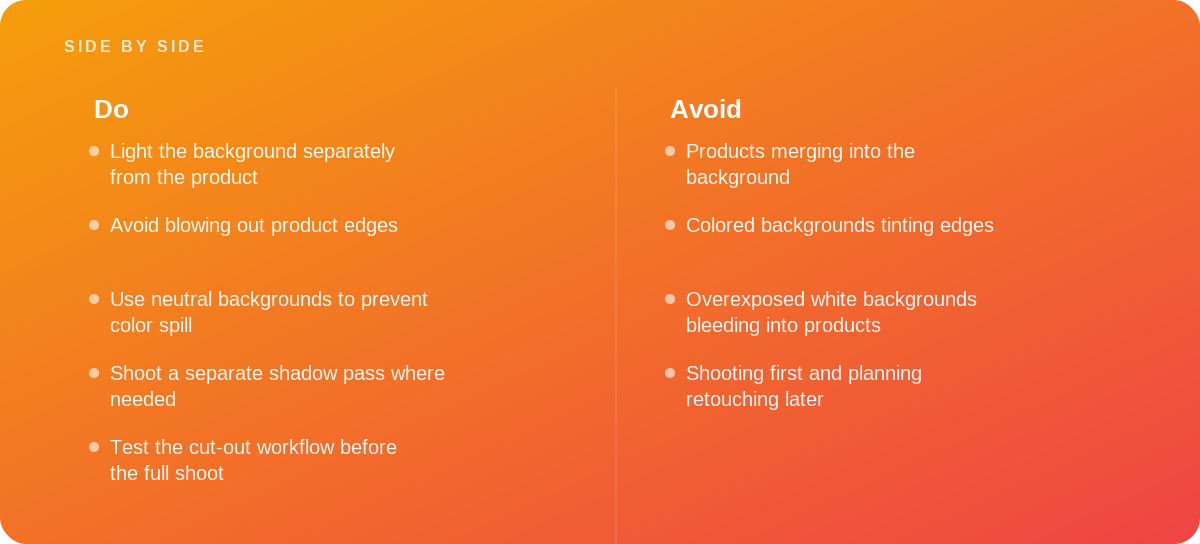
- Light the background separately from the product
- Avoid blowing out product edges
- Use neutral backgrounds to prevent color spill
- Shoot a separate shadow pass where needed
- Test the cut-out workflow before the full shoot
What should I avoid?
Avoid:
- Products merging into the background
- Colored backgrounds tinting edges
- Overexposed white backgrounds bleeding into products
- Shooting first and planning retouching later
When should I get help?
Short answer Bring in help when large catalogs need cut-out images.
Where this comes from
- Capture One — Learning resources for product photography
- Adobe Help Center — Photoshop User Guide
The figures and practices above come from the sources listed.
Working on something like this?
We take on Photography & Product Visuals work for teams who want it done once, properly. Tell us what you are building and we will tell you honestly whether we are the right studio for it. Start a project.
Where to go next
Spotted something wrong? Report an error on this page. We correct on the page and say what changed.