How to Get Cloaking and Sneaky Redirects Right
Showing search engines different content from what users see, or redirecting users somewhere other than what search engines indexed.
 MediaScaleUp Editorial Team

What is at stake
Both are explicitly prohibited by Google's spam policies, and they can occur accidentally through personalization, geo-redirects or hacked sites.
The playbook
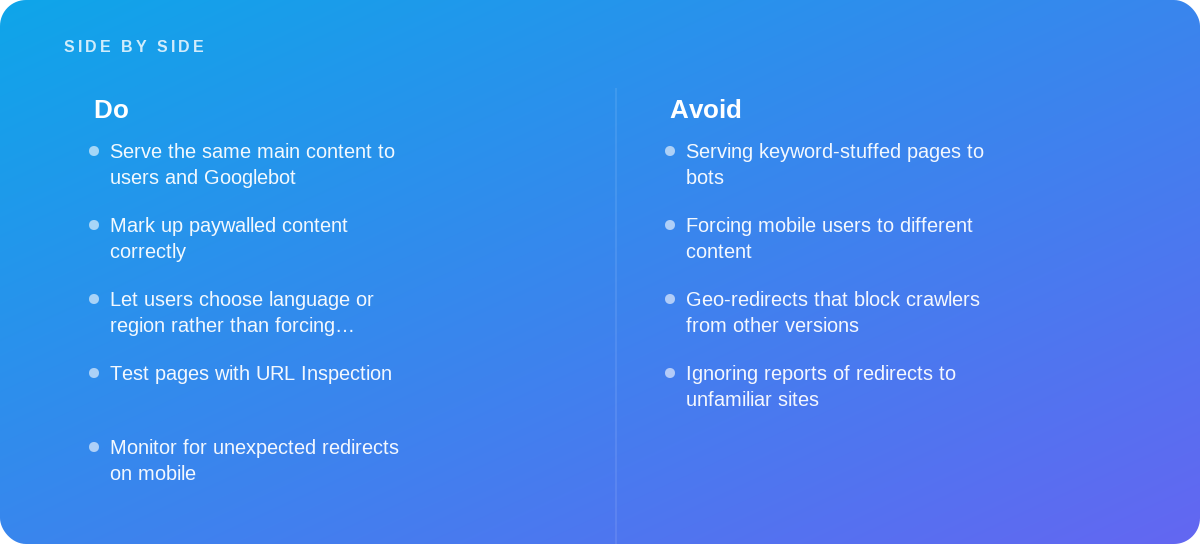
- Serve the same main content to users and Googlebot
- Mark up paywalled content correctly
- Let users choose language or region rather than forcing redirects
- Test pages with URL Inspection
- Monitor for unexpected redirects on mobile
Where it goes wrong
Avoid:
- Serving keyword-stuffed pages to bots
- Forcing mobile users to different content
- Geo-redirects that block crawlers from other versions
- Ignoring reports of redirects to unfamiliar sites
The numbers behind it
| Measure | Figure |
|---|---|
| Cloaking | presenting different content to users and search engines to manipulate rankings |
| Sneaky redirects | sending users to different content than search engines see |
| Legitimate cases | paywalls with correct markup and language redirects handled transparently |
| Hacked sites | often use cloaking to hide spam from owners |
Getting outside help
When to hand it over: Bring in help when users report unexpected redirects, or when personalization or geo-targeting may look like cloaking.
Where this comes from
- Google Search Central — Spam policies for Google web search
- Google Search Central — Managing multi-regional and multilingual sites
The figures and practices above come from the sources listed.
Working on something like this?
We take on SEO Services work for teams who want it done once, properly. Tell us what you are building and we will tell you honestly whether we are the right studio for it. Start a project.
Where to go next
Spotted something wrong? Report an error on this page. We correct on the page and say what changed.