Auditing Cache Headers: What Actually Works
Checking what caching instructions a site actually sends for its pages and assets.
 MediaScaleUp Editorial Team

Where most projects go wrong
The usual mistakes:
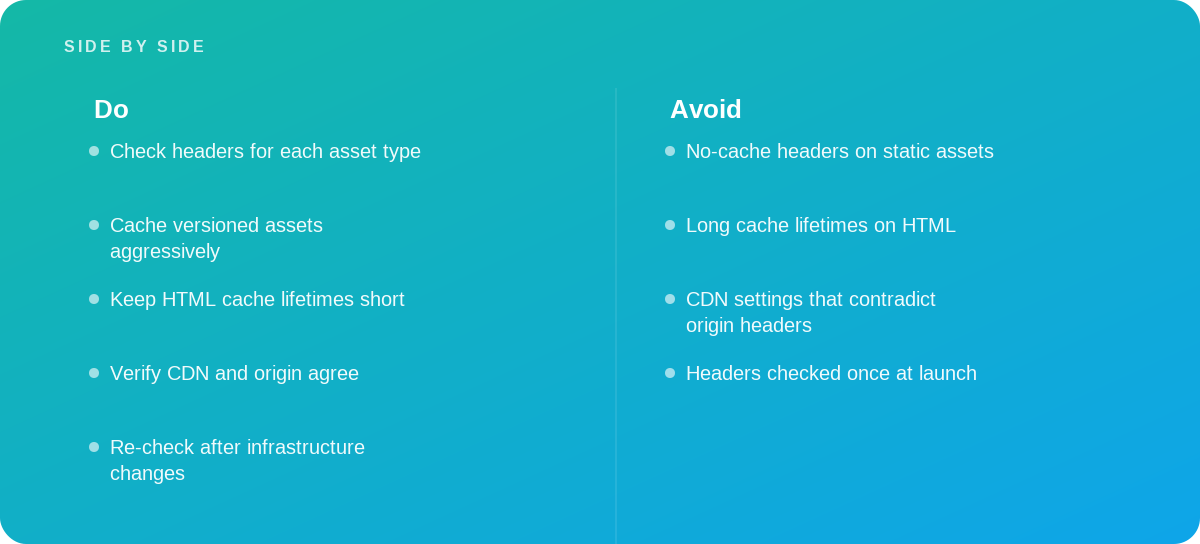
- No-cache headers on static assets
- Long cache lifetimes on HTML
- CDN settings that contradict origin headers
- Headers checked once at launch
What good looks like instead
- Check headers for each asset type
- Cache versioned assets aggressively
- Keep HTML cache lifetimes short
- Verify CDN and origin agree
- Re-check after infrastructure changes
Why it matters
Caching headers are often wrong or missing, which wastes bandwidth and slows repeat visits.
The specs that matter
| Measure | Figure |
|---|---|
| Static assets | versioned files can be cached for a long time |
| HTML | usually needs short cache lifetimes |
| Validators | ETag and Last-Modified enable conditional requests |
| CDN behavior | edge caching may differ from origin headers |
Knowing when to hand it over
Tip: Bring in help when repeat visits are slow.
Where this comes from
- MDN Web Docs — HTTP caching
- Cloudflare Learning Center — What is a CDN?
The figures and practices above come from the sources listed.
Working on something like this?
We take on Performance & Accessibility work for teams who want it done once, properly. Tell us what you are building and we will tell you honestly whether we are the right studio for it. Start a project.
Where to go next
Spotted something wrong? Report an error on this page. We correct on the page and say what changed.








