A Practical Guide to On-Location Product Shoots
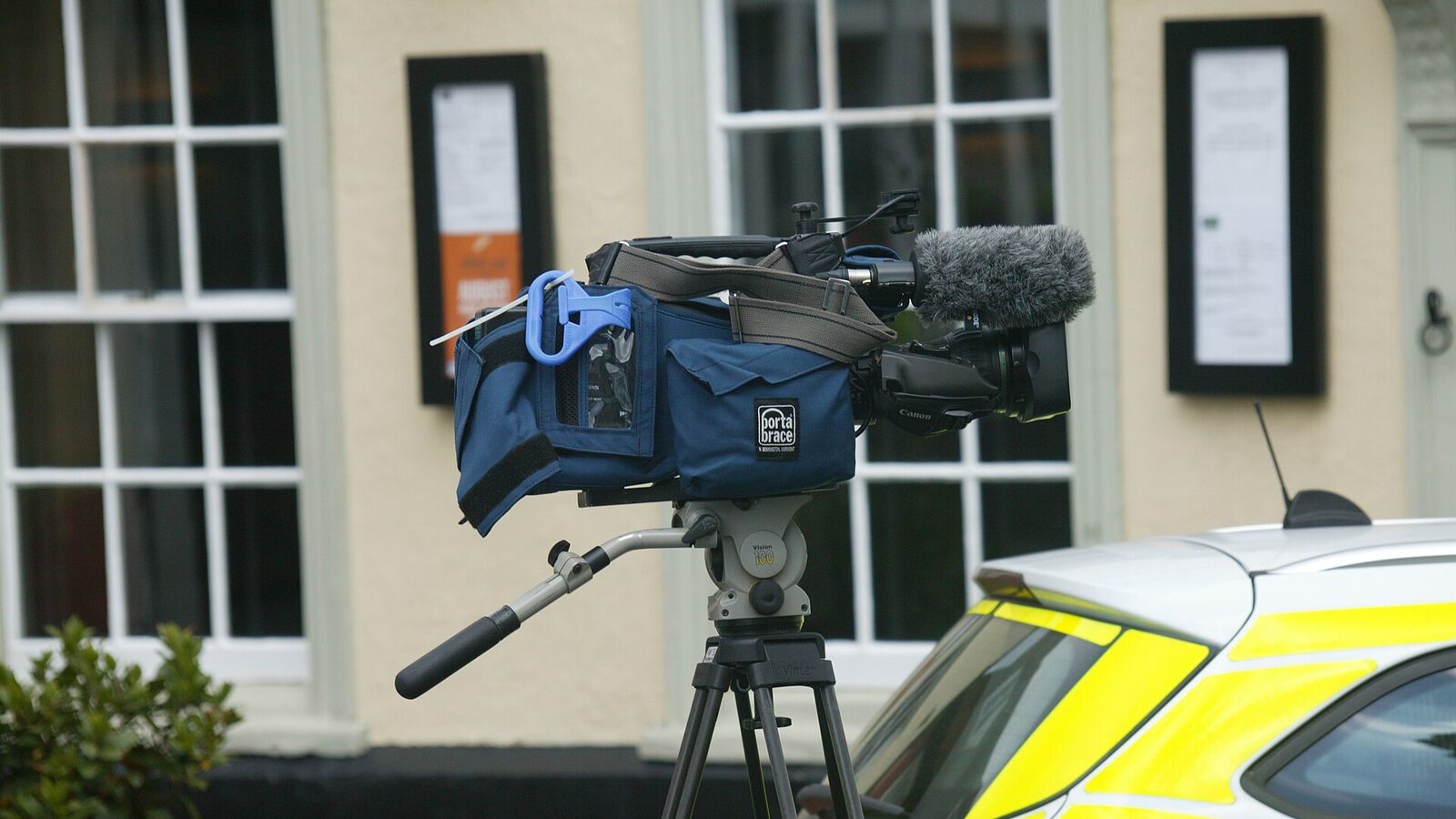
Photographing products outside a studio, in offices, homes, workshops or outdoors.
 MediaScaleUp Editorial Team
The key figures
- Power
- locations may have limited or unreliable power
- Mixed light
- daylight and interior lighting create color casts
- Permissions
- private locations require permission
- Backup gear
- replacements are not nearby on location
Why this is worth getting right
Location shots add context and authenticity, but the environment brings lighting, power and permission constraints.
Do this, not that
Do
- Scout locations before the shoot
- Bring battery-powered lighting
- Control mixed lighting with gels or by switching lights off
- Carry backup gear and media
- Confirm access and permissions in writing
Don’t
- Relying on unknown power supply
- Unscouted locations
- Mixed color temperatures left uncorrected
- Shooting without permission
When to bring in help
Our advice Bring in help when campaigns need lifestyle context.
Where this comes from
- Capture One — Learning resources
- Adobe Help Center — Photography basics
The figures and practices above come from the sources listed.
Working on something like this?
We take on Photography & Product Visuals work for teams who want it done once, properly. Tell us what you are building and we will tell you honestly whether we are the right studio for it. Start a project.
Where to go next
Spotted something wrong? Report an error on this page. We correct on the page and say what changed.