A Practical Guide to Light Flicker and Banding
Stripes and brightness changes in photos caused by flickering LED or fluorescent lights at fast shutter speeds.
 MediaScaleUp Editorial Team
What is at stake
Flicker banding ruins images and video in offices, stores and venues, and it is easy to prevent once understood.
The playbook
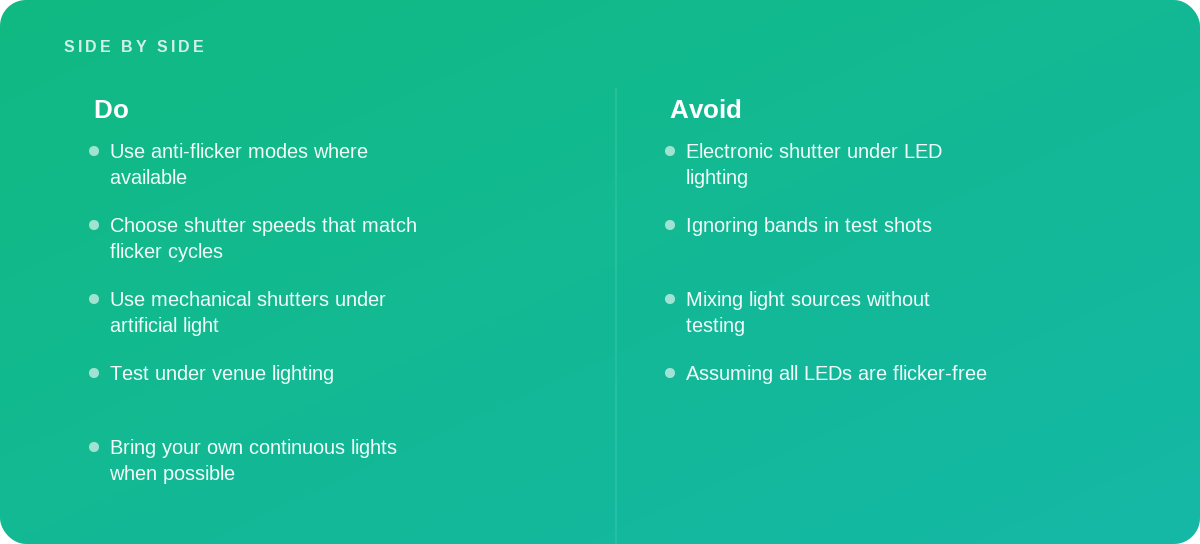
- Use anti-flicker modes where available
- Choose shutter speeds that match flicker cycles
- Use mechanical shutters under artificial light
- Test under venue lighting
- Bring your own continuous lights when possible
Where it goes wrong
Avoid:
- Electronic shutter under LED lighting
- Ignoring bands in test shots
- Mixing light sources without testing
- Assuming all LEDs are flicker-free
The numbers behind it
| Measure | Figure |
|---|---|
| Mains frequency | US power runs at 60 Hz, causing 120 flickers per second |
| Fast shutter speeds | capture partial flicker cycles as bands |
| Electronic shutters | are more prone to banding |
| Anti-flicker modes | time exposures to light peaks |
Getting outside help
When to hand it over: Bring in help when shooting in venues with challenging lighting.
Where this comes from
- Adobe Help Center — Photography basics
- Capture One — Learning resources
The figures and practices above come from the sources listed.
Working on something like this?
We take on Photography & Product Visuals work for teams who want it done once, properly. Tell us what you are building and we will tell you honestly whether we are the right studio for it. Start a project.
Where to go next
Spotted something wrong? Report an error on this page. We correct on the page and say what changed.