How to Get Identity Verification UX Right
Flows where users prove who they are, through documents, selfies or database checks.
 Priya Raghunathan

At a glance
- Document capture photo quality drives automated failures
- Fallbacks manual review is needed when automation fails
- Accessibility verification steps must be usable by disabled users
- Bias automated checks can perform unevenly across groups
Why it matters
Why it matters: Verification is a common drop-off point, and failures disproportionately affect people with unusual documents or circumstances.
Best practice
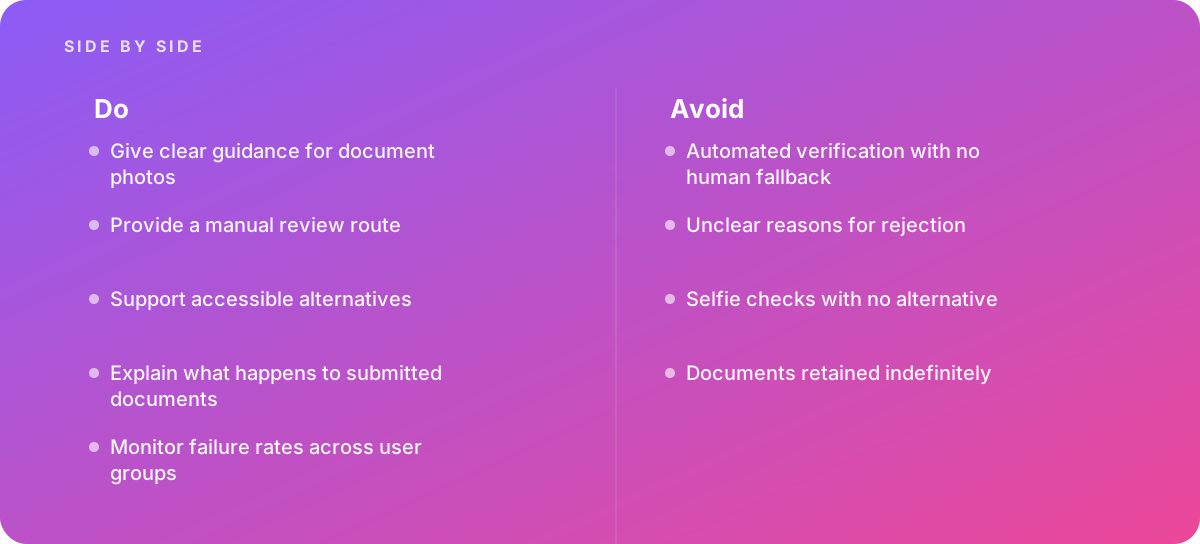
- Give clear guidance for document photos
- Provide a manual review route
- Support accessible alternatives
- Explain what happens to submitted documents
- Monitor failure rates across user groups
Common pitfalls
Watch out for:
- Automated verification with no human fallback
- Unclear reasons for rejection
- Selfie checks with no alternative
- Documents retained indefinitely
When to call in a specialist
Bottom line Bring in help when verification blocks legitimate customers.
Where this comes from
- National Institute of Standards and Technology — Digital Identity Guidelines
- W3C Web Accessibility Initiative — Understanding Success Criterion 3.3.8 Accessible Authentication (Minimum)
The figures and practices above come from the sources listed.
Working on something like this?
We take on UI & UX Design work for teams who want it done once, properly. Tell us what you are building and we will tell you honestly whether we are the right studio for it. Start a project.
Where to go next
Spotted something wrong? Report an error on this page. We correct on the page and say what changed.